ENGLISH
37
Chapter 3 Using the LCD TV
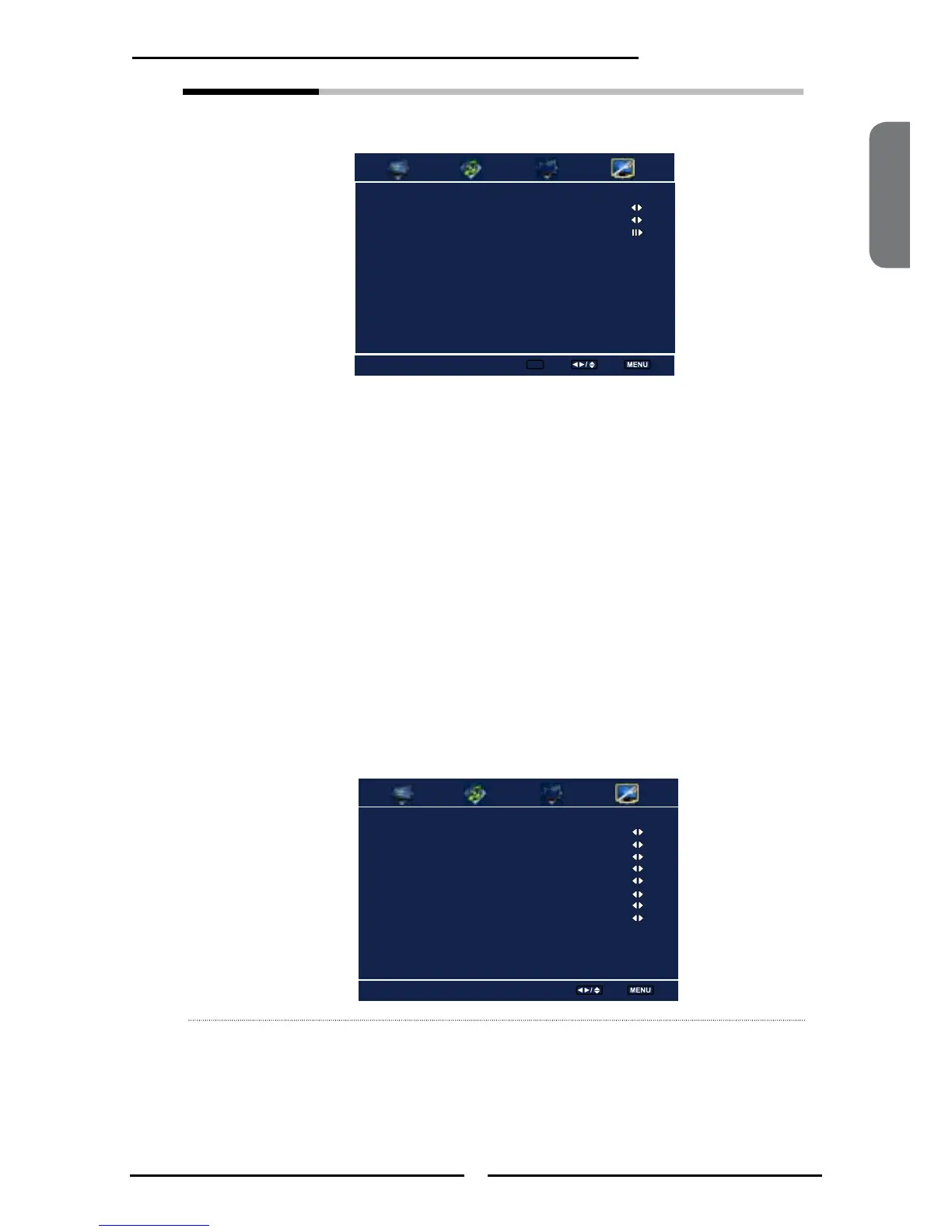
Analog Cloaed Caption Off
Digital Cloaed Caption Off
Digital Caption Style
Closed Caption Allows to select from analog or digital closed caption modes and press
the
OK button. The Closed Caption list appears:
Analog Closed Caption:
Press the ◄► buttons to select the basic analog closed caption
options:
▪ CC1 /CC2 /CC3 /CC4:
Display a printed version of the dialog and sound effects of the
program being viewed
▪ T1/T2:
Display station information presented using either half or the whole
screen
▪ T3/T4:
Extended Data Services. For example: Network name, program
name, program length, etc.
Digital Closed Caption:
Press the◄►buttons to select the digital closed caption options:
Service1/Service2/Service3/Service4/Service5/Service6/OFF
Note: The setting here will be applied to each DTV channel
Caption Style:
Press
OK button to customize the settings for digital closed caption
option:
Caption Style Custom
Font Size Large
Font Color White
Font Opacity Solid
Background Color Black
Background Opacity Solid
Window Color Black
Window Opacity Translucent
Closed Caption Style
Select Back
Closed Caption
Enter ok Select Back



 To Next Page