OPERATING YOUR TV
• Connect the power cord to the power socket after you have completed all the
physical connections. At this stage, the TV will enter Standby Mode and the red
LED indicator will illuminate.
• In Standby Mode, press the
button on the main unit or on the remote control to
turn the TV on. The red LED indicator will turn blue.
The button on the main unit or on the remote control can only
switch the TV into standby. To completely turn off the TV, please disconnect
the power cord from the power socket.
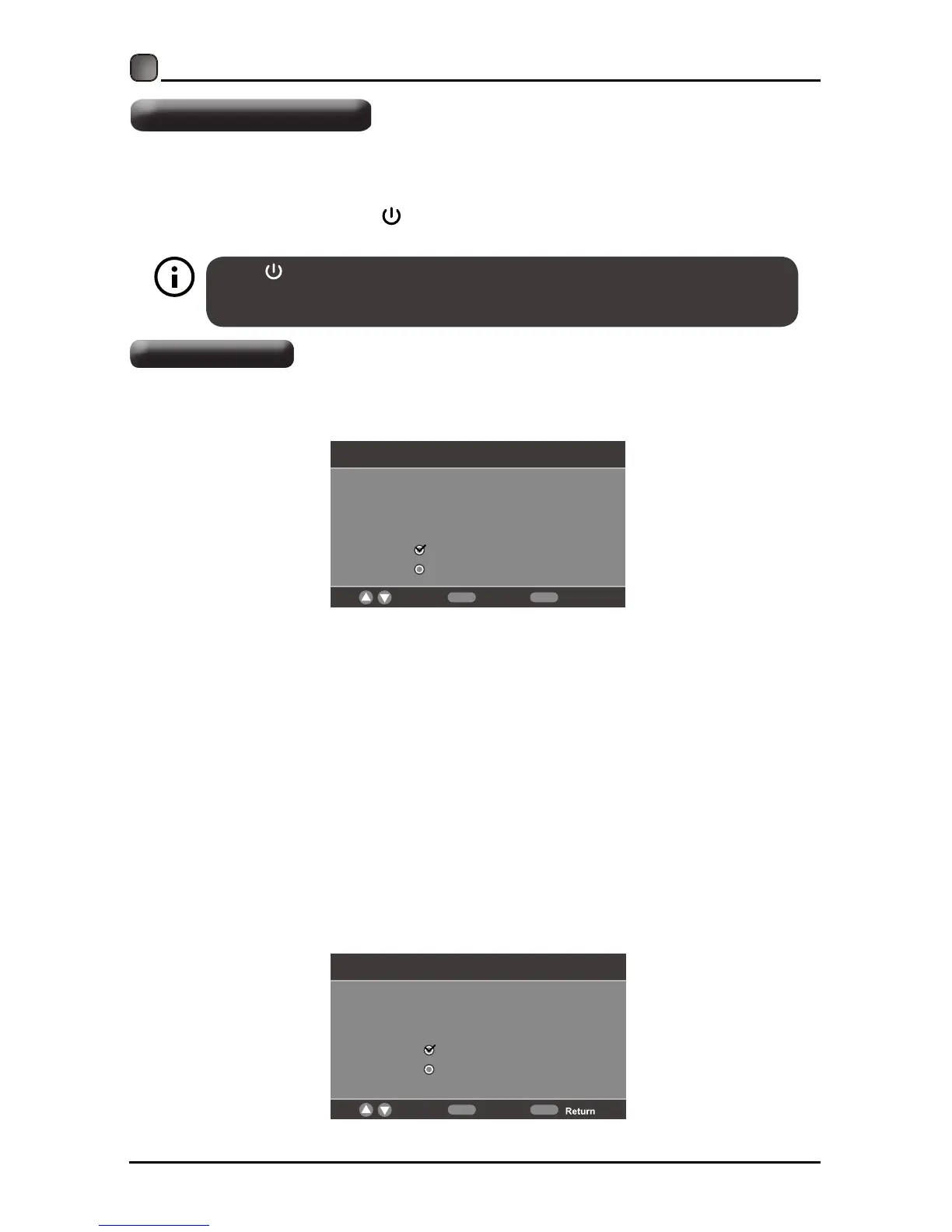
• If you are turning on your LED TV for the first time, you will see the following
menu below.
• Please select Home Mode or Retail Mode to continue.
•
Home M ode (Energy S aving) is the d efault a s-shippedtelevision c onfiguration a ndsettings.
AndHomeMode(EnergySaving) is the s etting in w hich the p roduct q ualifies for E NERGY
®
STAR .
Anychanges to d efault a s-shipped television c onfiguration a nd s ettings w ould c hange
the energy consumption. And enabling certain optional features and functionalities may increase
®
energy consumption beyond the limits required for ENERGY STAR q ualification,a sa pplicable.
Retail Mode:Select Retail Mode if you would like your picture to be brighter.At times this mode
may use more energy to operate the Volume/Sound mode and the Picture Mode. In this setting,
the power consumption may possibly exceed the limited requirement of the ENERGY STAR
®
qualification.
®
ENERGY STAR is a joint program of the U.S. Environmental Protection Agency and the U.S.
Department of Energy helping us all save money and protect the environment through energy
efficientproducts a nd p ratices.
The On-MODE Power under Home Mode should be less than 20.8W.
The SLEEP-MODE Power should be less than 0.49 W.
Note:If y ou w ant c hange the m odes b etweenHome M ode (Energy S aving) a nd P icture M ode,
you can change the setting in the Setup Menu under Picture Mode.
Setup Wizard
Choose your Picture Mode
Home Mode optimizes the standard video settings
r
for
ENERGY STAR® qualification.
Home Mode(Energy Saving)
Retail Mode
Move Select
MENUOK
Setup Wizard
Are you sure you want Home Mode (Energy saving)
?
In this mode ENERGY STAR® saving are realized.
Yes
No
Move Select
Exit
MENUOK
Turning On/Off Your TV
Setup Wizard
Press Y es to c onfirm.
10



 To Next Page