CUSTOMIZING TV SETTINGS
•
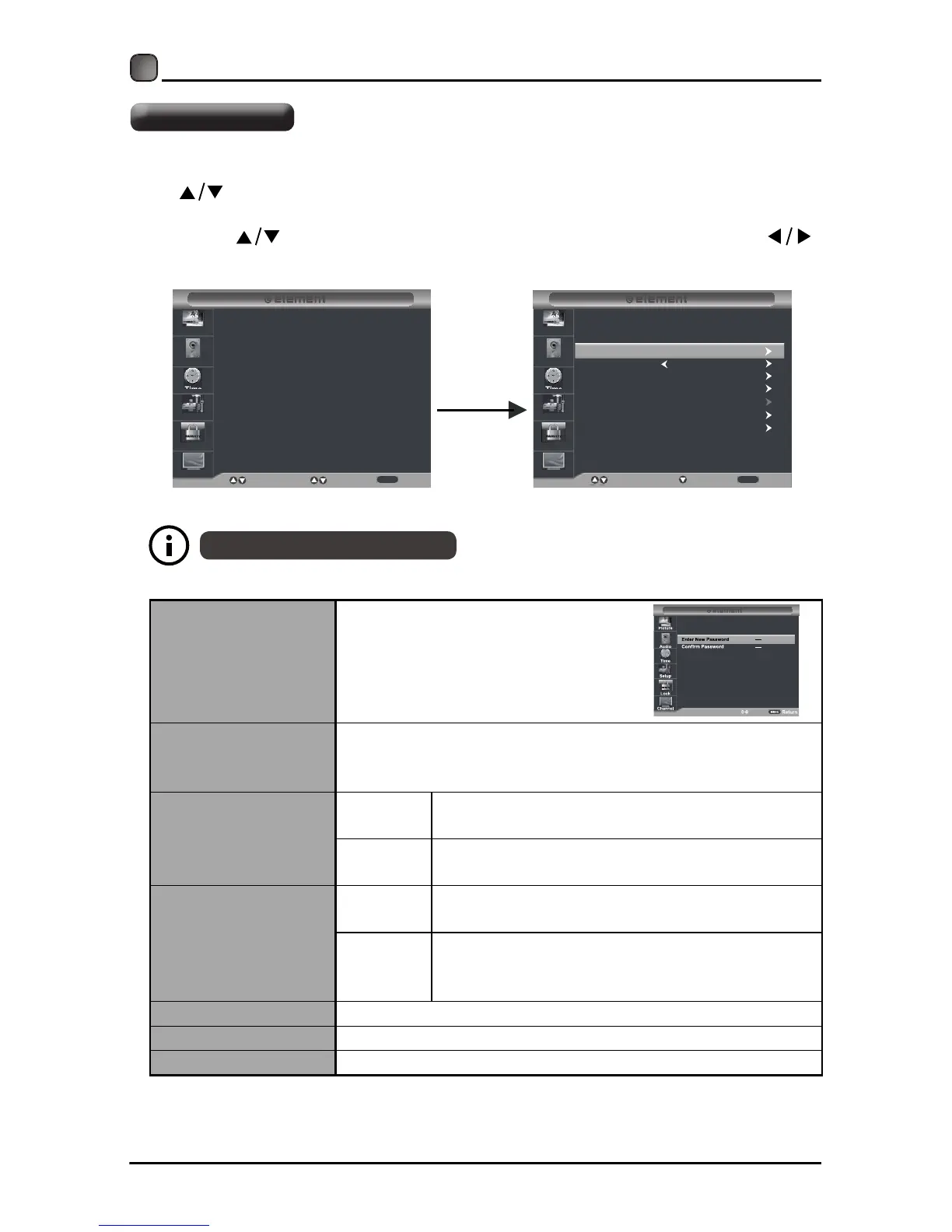
Press the MENU button on the main unit or on the remote control and then press
the
buttons to select Lock menu.
• Use the 0-9 buttons to input 4-digit password to enter the Lock menu.
• Press the buttons to select the following options and then press the
buttons to adjust each option’
Change Password
Use 0-9 buttons to input the old
password and then input the
new 4-digit password. Re-enter
newpasswordforconfirmation.
System Lock
Select to turn On/Off system lock. The following options
(US,Canada,RRTSettingandResetRRT)w il lo nlybe
accessible when you turn the system lock on.
US
TV
TV RATING: Press OK button to lock or
unlock TV rating.
MPAA
Select MPAA rating among: N/A,G, PG, PG-
13, R, NC-17,or X.
Canada
Canada
English
Select MPAA rating for English-speaking
Canada among: E, C, C8+, G, PG, 14+, 18+.
Canada
French
Select MPAA rating for Quebec Canada
among: E, G, 8ans+, 13ans+, 16ans+,
18ans+.
RRT Setting Set Rating Region Table.
Reset RRT Select to reset the RRT setting.
Clear Lock Clear all lock settings.
Thedefaultpass wordis" 0000".
s setting.
Lock Settings
Input 4-digit
password
Enter Password
Select
Move
Exit
Picture
Audio
Time
Setup
Lock
Channel
----
MENU
System Lock
US
Next
Move Return
Picture
Audio
Time
Setup
Lock
Channel
Canada
RRT Setting
Reset RRT
Clear Lock
Off
MENU
Change Password



 To Next Page