14
CUSTOMIZING TV SETTINGS
Pressthe MENUbutton onthemai
unit or on the remote control the
press the
tcelesotsnottub
AUDIOmenuandthenpressthe
OKr.
Press the buttons to selec
thefollowing audio options andthe
press buttonstoadjust
option’
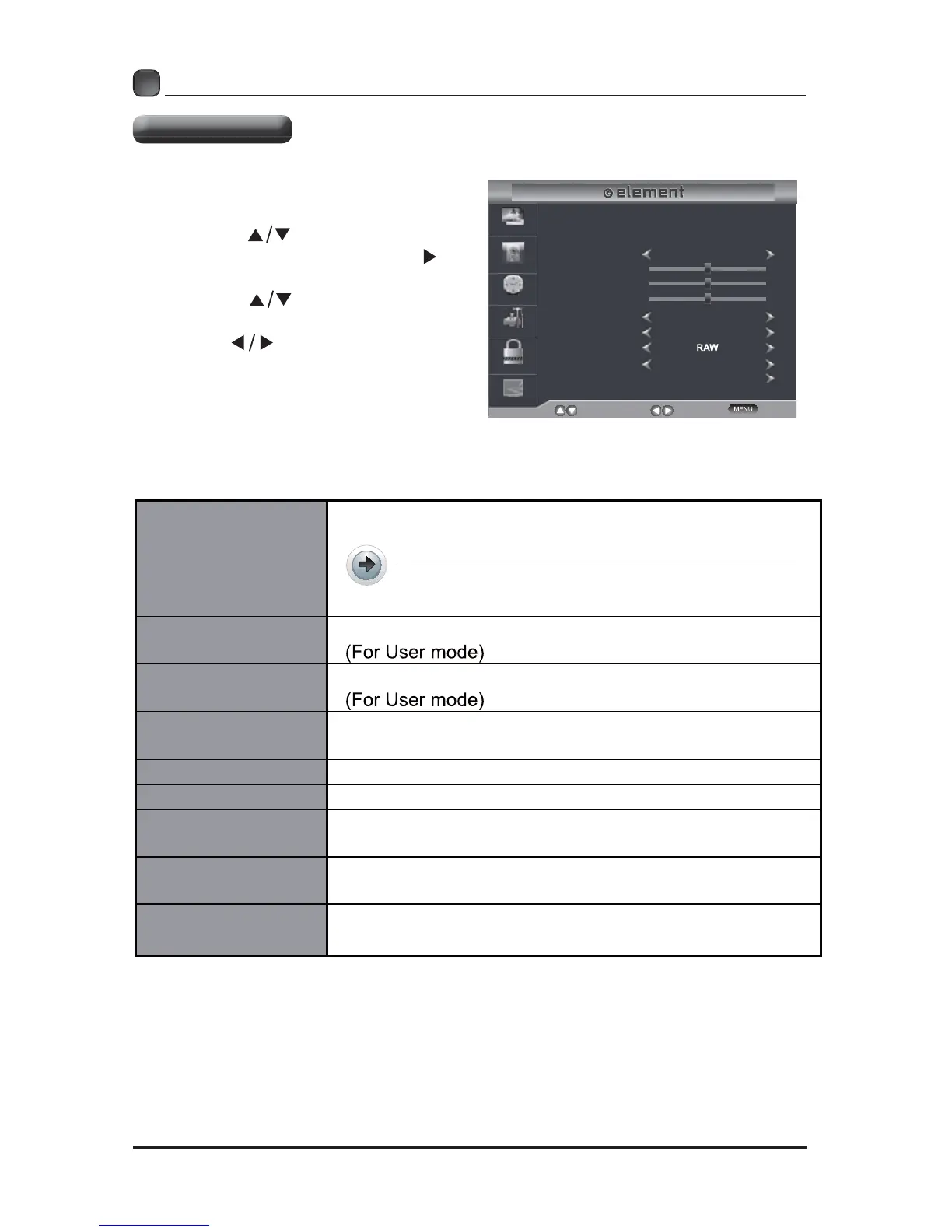
Audio Settings
Sound Mode
Bass
Treble
Select
Move
Exit
Picture
Audio
Time
Setup
Lock
Channel
Balance
Surround Soun d
Auto Volume
Digital Audio Output
Off
On
Standard
50
50
0
Audio Language
Accessibility
English
Sound Mode
Allow the selection of an audio-enhancemen
r.
Alternative:You may press the S.MODE
y.
Bass
Treble
Balance
Adjusttheaudiooutputbetweentheleftandthe
speakers.
Surround Sound
Auto Volume V
Digital Audio Output
electthedigitalaudio output mode between RAW
Audio Language
audio language among: English, French
Accessibility



 To Next Page