EasyManua.ls Logo

Element ELEFW401A - Operating Your TV; Input, Channel, and Volume Control

Element ELEFW401A
28 pages
Print Icon
To Next Page IconTo Next Page
To Previous Page IconTo Previous Page
Loading...
11
Channel Selection
Selecting the Input Source
PresstheSOURCEbuttononth
mainunitorontheremotecontrolt

 Press
buttonstoselect
 Pressthe CH+/CH- buttonsonthemainunitorontheremotecontrol

 0-9y
 PressVOL+/- buttonsonthemainunitorontheremotecontroltoadjust

 youwishtoswitchthesoundopresstheMUTE buttonagainorVOL+

OK
OK
OK
OPERATING YOUR TV
Volume Adjustment
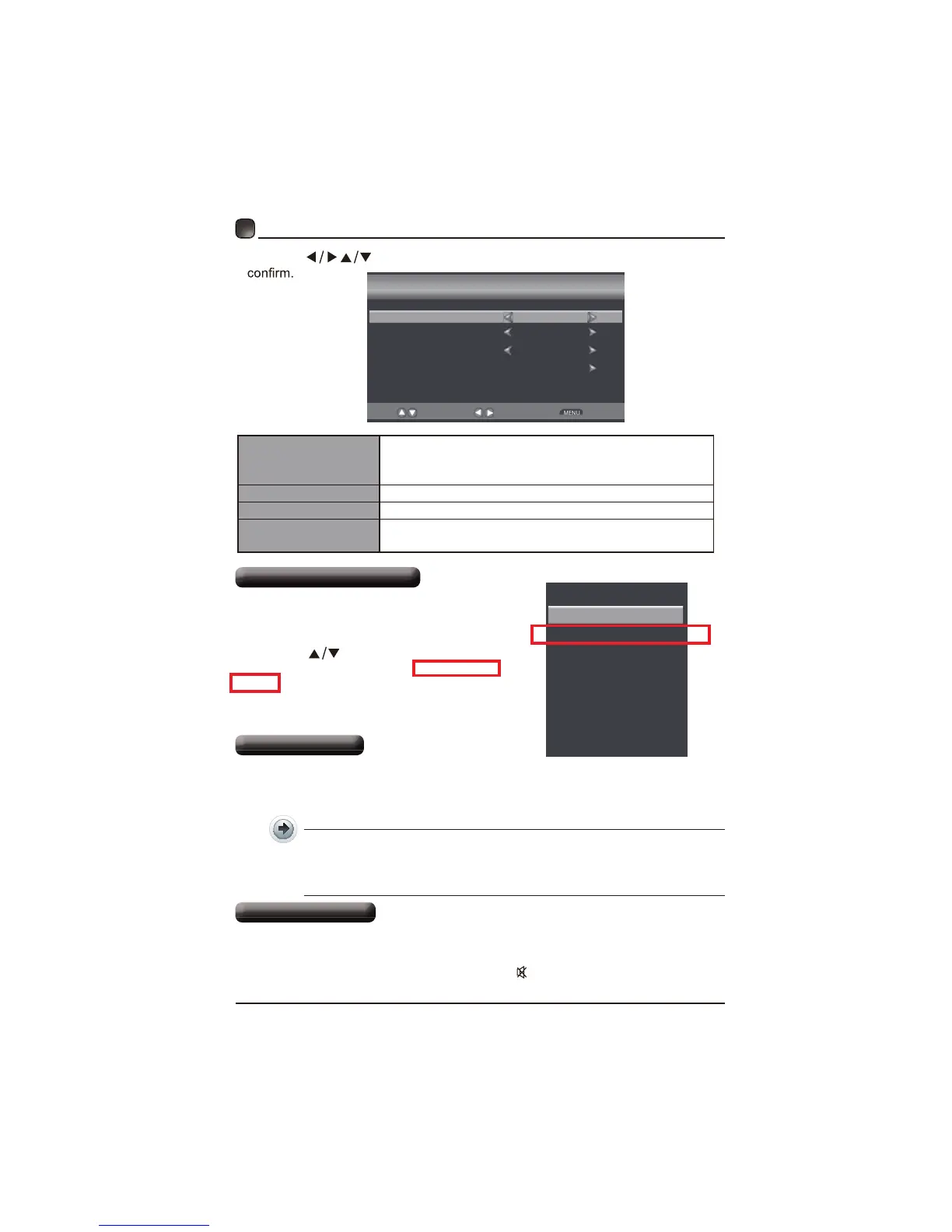
INPUT SOURCE
TV
Component/AV
HDMI1
HDMI2
HDMI3
VGA
USB
desiredinpusourceamong:TV/Component
&AV/HDM1/HDM/HDM/VGA/
 and then  OK button to

 Pressthe
buttonstoselectyourdesiredmodeandpressOKbuttonto
Setup Wizard
Menu Language
Air/Cable
Cable System
Auto Scan
English
Cable
AUTO
Select
Move
Return
Menu Language
yourdesiredlanguage tobedisplayedon
menuThedeaulton-screenmenulanguageisse

Air/Cable 
Cable System tem:
Auto Scan

y

Related product manuals