EasyManua.ls Logo

Element ELEFW401A - Powering On and Initial Setup

Element ELEFW401A
28 pages
Print Icon
To Next Page IconTo Next Page
To Previous Page IconTo Previous Page
Loading...
10
OPERATING YOUR TV
Turning On/Off Your TV
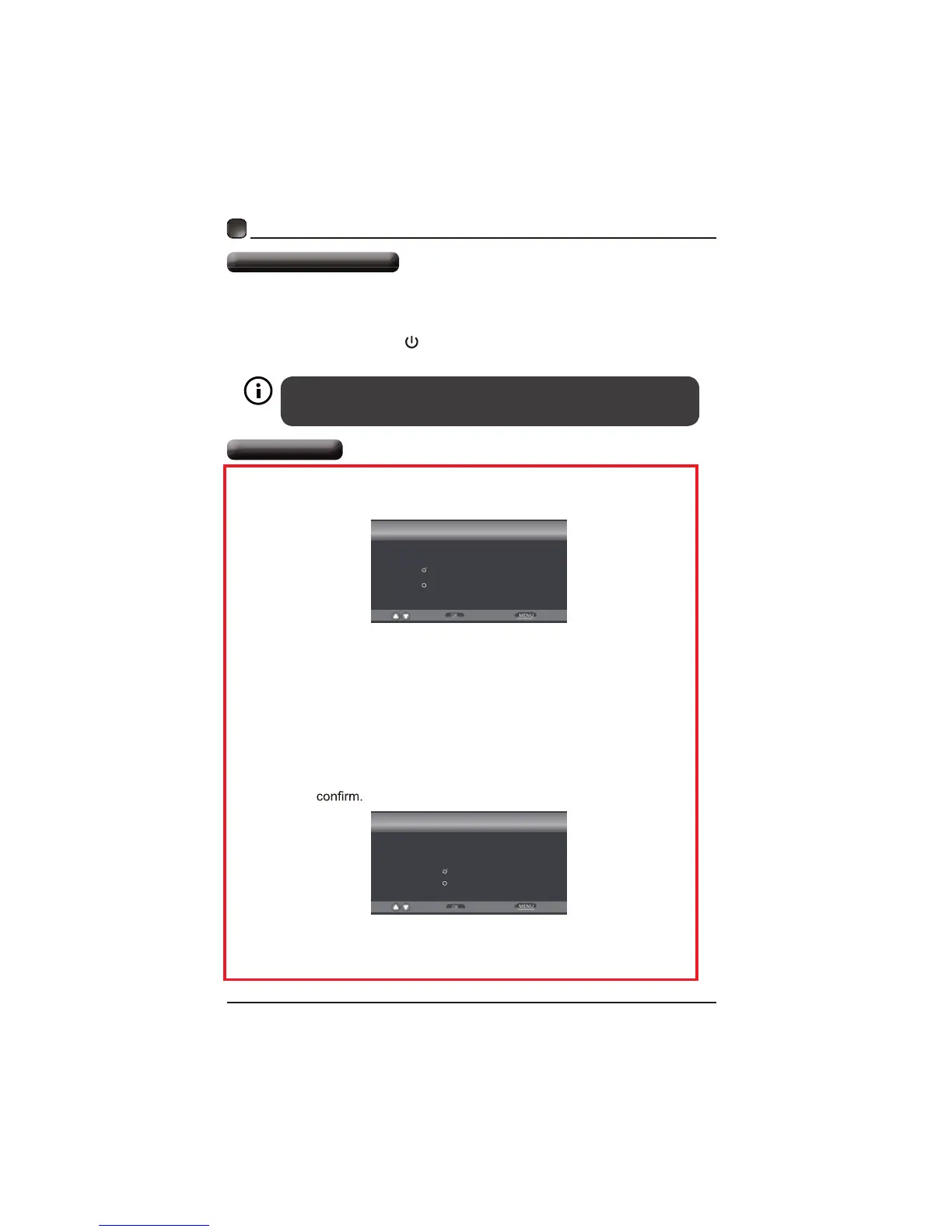
Setup Wizard
 Connectthepowercordtothepowersocketafteryouhavecompletedall th
physicalconnections.At thisstage,theTVwillenterStandbyModeandthe

 InStandbyMode,press
buttononthemainunitorontheremotecontrol

POWER
y.TfTV

Setup Wizard
Home Mode (Energy Saving)
Standard Mode
Select
Move
Exit
Choose your Picture Mode
Ĥ
Setup Wizard
Yes
No
Select
Move
Return
Are you sure you want Home mode?
in this mode ENERGY STAR saving are realized.
Ĥ
 IfyouareturningonyourLEDTVforthefirsttime, youwillseethefollowing
menubelow.
 PleaseselectHomeModeorStandardModetocontinue.
 PressYesto















i

Related product manuals