20
CUSTOMIZING TV SETTINGS
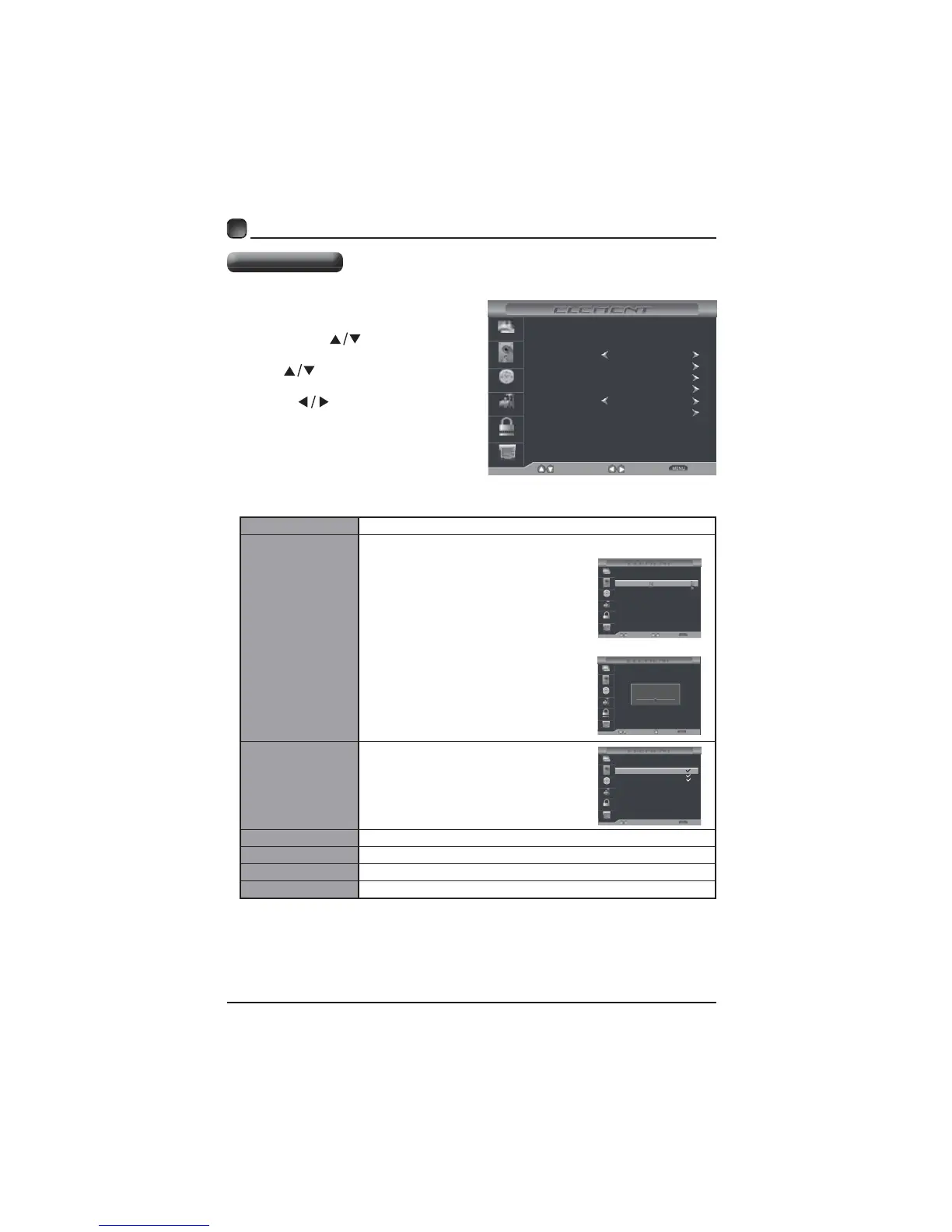
Pressthe MENUbuttononthemai
unitorontheremotecontrol an
thenpress
buttonsto
CHANNEL
Press
buttonstoselectth
followingchanneloptionsand the
press buttonstoadjust
option’
Air/Cable
Auto Scan
y
Allowsyoutoselectcabl
systemamong/
beforegoingtoauto
ifyouchooseCableas inpu
Itwillgostraighttoautoscan
Air
Favorite
Settheselectedchannelason
Show/Hide
Channel No. r
Channel Label
DTV Signal
Air/Cable
Auto Scan
Favorite
Select
Move Exit
Picture
Audio
Time
Setup
Lock
Channel
Show/Hide
Channel No.
Channle Label
DTV Signal:
Cable
Cable System
Start to Scan
Picture
Audio
Time
Setup
Lock
Channel
AUTO
Select
Move Return
Picture
Audio
Time
Setup
Lock
Channel
RF CH : 50
Found : 0
Next
MoveR eturn
50-1
50-2
50-3
Picture
Audio
Time
Setup
Lock
Channel
KOCE-HD
Press’OK’Change
Move Return
Channel
Channel Name
Favorite
KOCE-SD
KOCE-LB
Channel Settings



 To Next Page