FOR SUPPORT, VISIT ELEMENTELECTRONICS.COM/SUPPORT 11
SETTING UP
YOUR TV
(continued)
Activate your TV
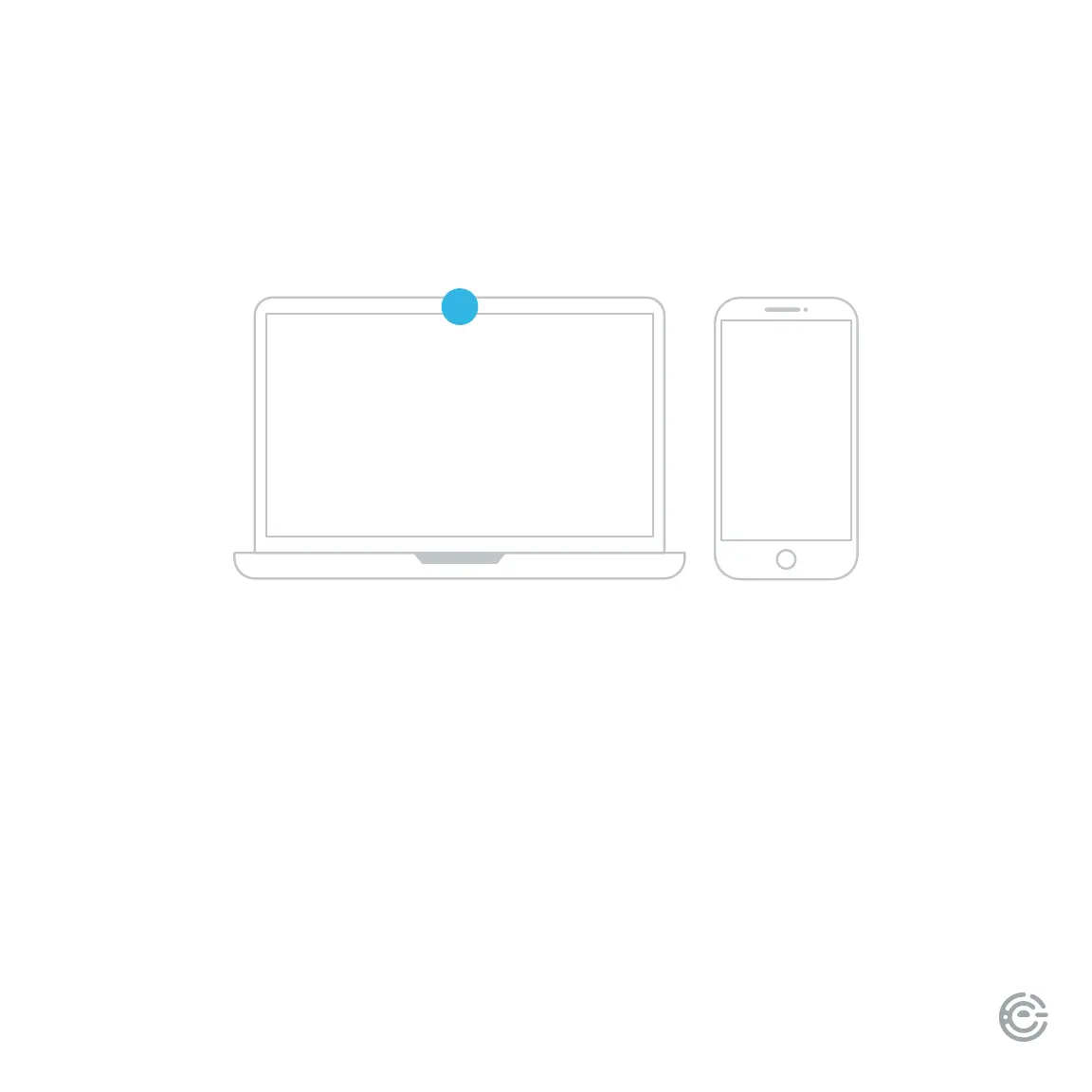
To activate your TV you’ll need a computer, smartphone or tablet. Once you see the activation code on
the TV screen you can visit xumo.com/activate (or simply scan the QR code on-screen with your smart
device camera) and follow the on-screen instructions to complete registration. You’ll be directed to the
home screen when setup is complete.
You may also create a Xumo account with a payment method if you would like to make purchases on your
TV. Note: Creating a Xumo account and adding payment details is optional and not required to use your TV.
A paid subscription or other payments may be required for some streaming channels.
Channel availability subject to change and varies by country or region.
5


 To Next Page