FOR SUPPORT, VISIT ELEMENTELECTRONICS.COM/SUPPORT 13
CONNECTING
AN ANTENNA
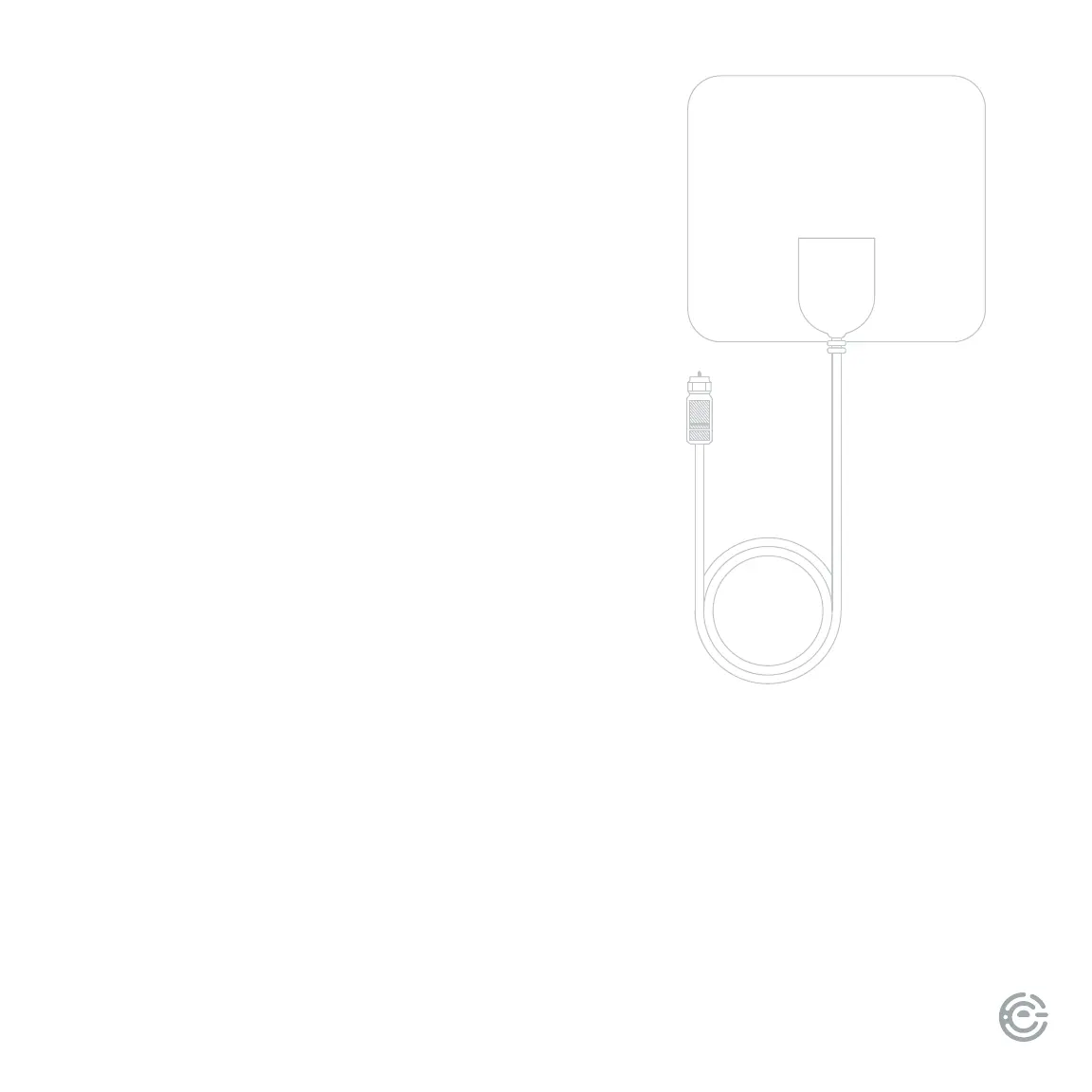
With the built-in tuner you can connect your TV to
an antenna and enjoy over-the-air entertainment.
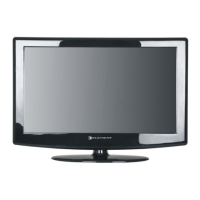
1. To connect your TV to an antenna, connect a coax
cable (not included) into your TV’s ANT port and
the other end into your device.
2. Turn your TV on and press the home button
on your remote.
3. Select the Antenna tile, or open Settings >
Antenna and inputs > Antenna > Scan for channels
4. Follow the on-screen instructions.
UNIVERSAL
REMOTE SETUP
If you prefer to use your cable set-top box or satellite receiver remote as a
universal remote, please refer to the manual your cable or satellite service
provided. It includes instructions on how to program your remote to your TV.


 To Next Page