FOR SUPPORT, VISIT ELEMENTELECTRONICS.COM/SUPPORT 5
CONNECT DEVICES
TO YOUR TV
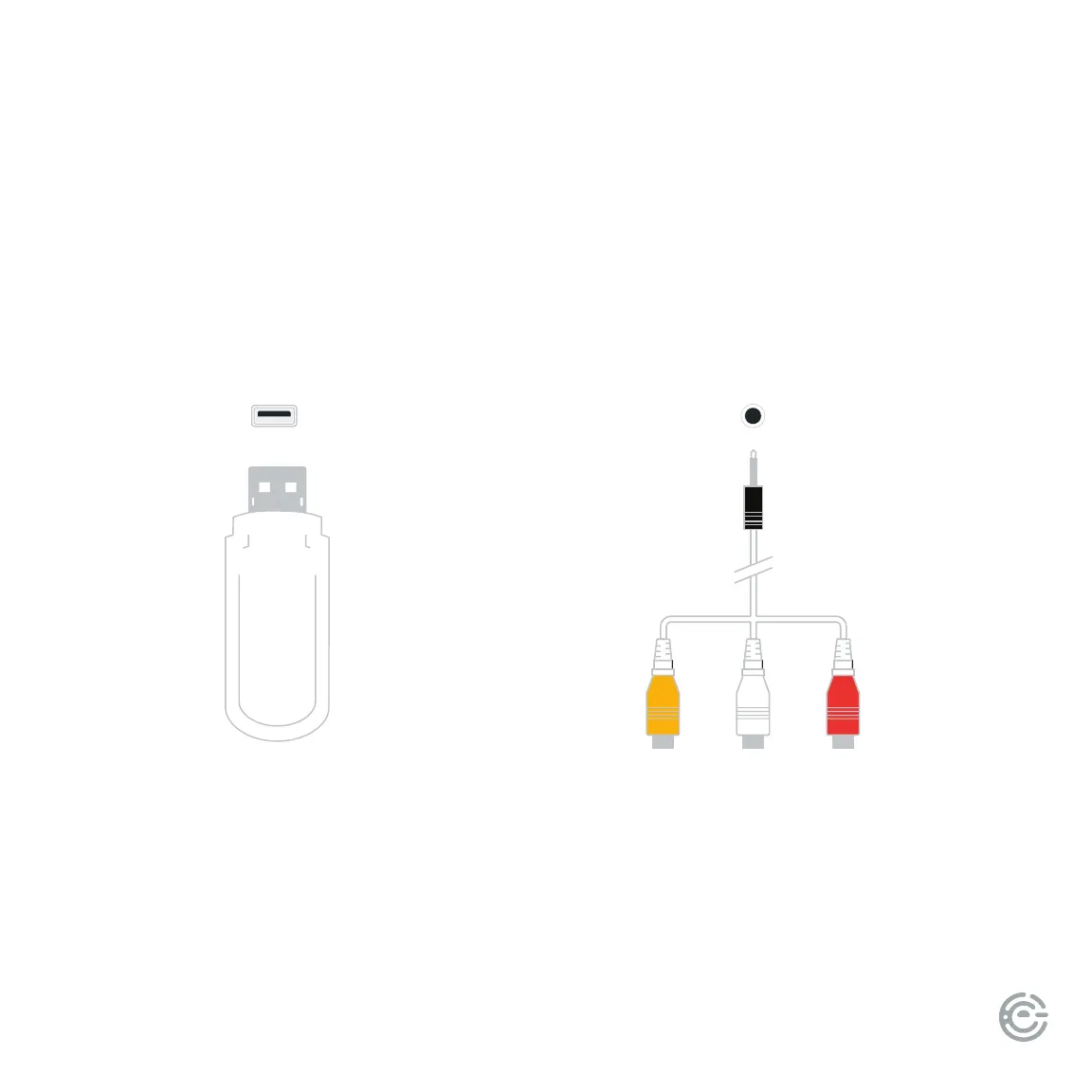
USB
Connect a USB device for browsing
photos, music, or videos.
(continued)
MINI AV IN
Connect a composite video cable and le-right audio
cables from an external AV device
(AV adapter included).


 To Next Page