12
Attention: Some keys on the remote controller may not be
workable for this model.
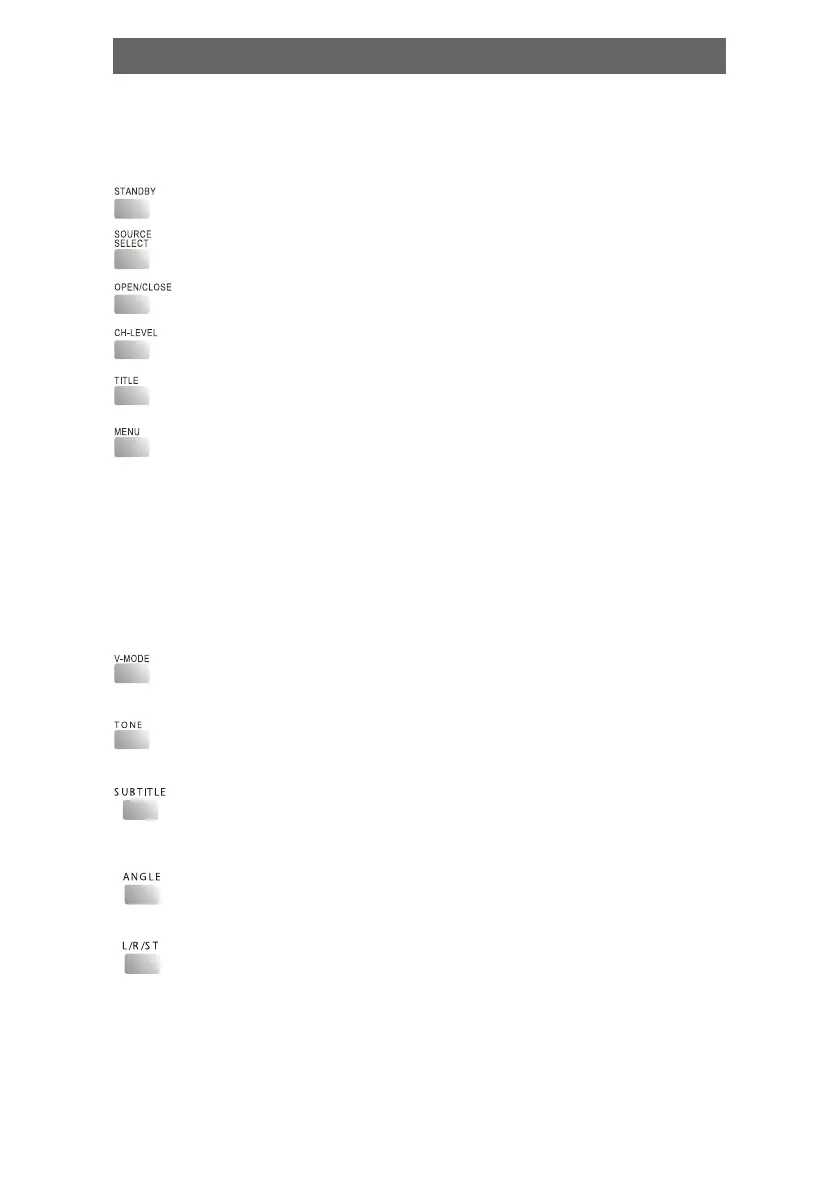
• Standby/working mode switch
• A/V Source switch among disc/tune, line1, line2
• Eject or load the disc tray in Disc mode.
• Balance control.
• Return to the top menu when playing DVD disc.
• Return to the previous menu when playing DVD disc.
When playing SVCD, VCD2.0 disc, press MENU the disc
menu will show.You can select a program in the menu. After
loading the disc, the unit will enter PBC ON play
automatically.
Press MENU button, the TV screen shows PBC OFF. In this
mode, the menu will not appear, press digit key to select
the track directly. VCD1.1, CD-DA and Mp3 have no PBC
menu.
• Video output mode switch (if losing pictures or picture is
abnormal, keep switching until getting clear picture)
• Press [TONE], then press [VOLUME+] or [VOLUME-] to control
bass and treble
• When playing the disc with multi-subtitle, press SUBTITLE
continually, the subtitle changes in a circle, you can select
one.
• When playing the disc with multi-angle, it's convenient to
change the view angle.
• When playing super VCD, VCD, CD disc with multi-channel,
press L/R/ST button to select left channel/right channel/
stereo/mix audio output.
Play



 To Next Page