5
REMOTE CONTROLLER OPERATION
• Insert the batteries into the cell box.The remote control points at remote
sensor within 8 metres and within 30 degree at left or right side.
• Take the battery out of the controller if it is not used for a long time
THIS UNIT CAN PLAY THE FOLLOWING TYPES OF DISCS
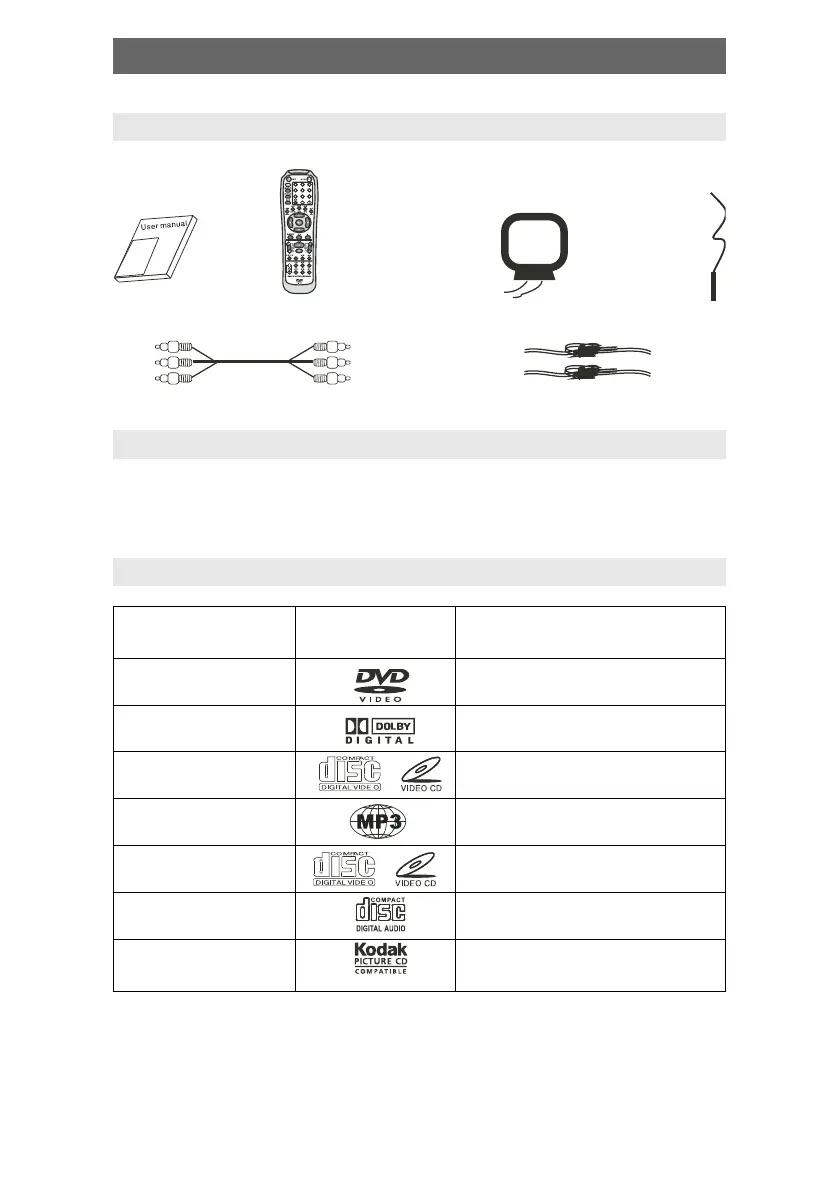
Accessories
User manual
Remote
controller
A/V cable
AM antenna
FM
antenna
Speaker connect cable
ACCESSORIES
Disc types Symbol Contents
DVD Audio + Video
AC–3 Dolby Digital Audio
SVCD Audio
ÌÐ3 Audio
Video–CD (VCD) Audio + Video
CD–DA Audio
Kodak Picture CD Electronic Photo



 To Next Page