23
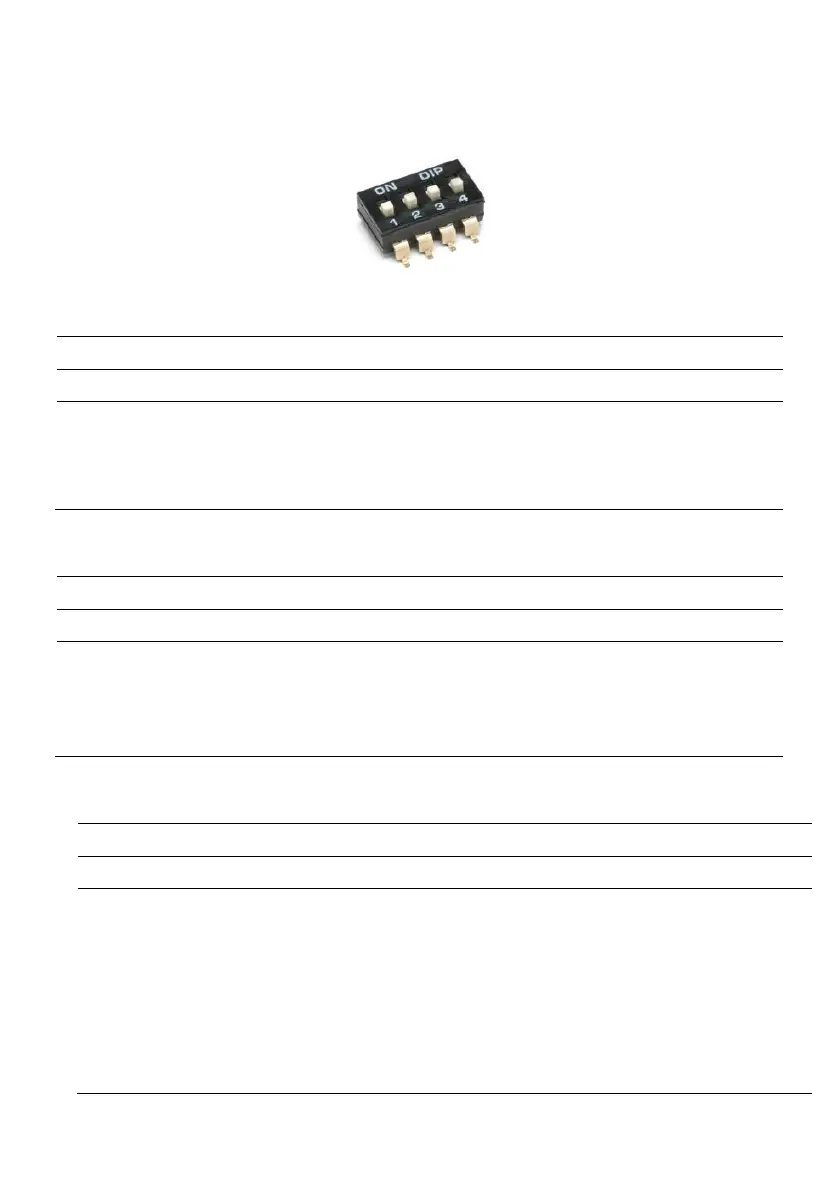
11. DIP-SWITCH SETTINGS DISPLAY
Set DIP-SWITCHES with the panel switched off.
11.1 DIP-SWITCH 1 - NO/NC (G/P1 - G/P2 - G.A.) input reversal
DIP-SWITCH 1 allows to invert the enabling of digital inputs G/P1 - G/P2 - G.A.
In the OFF position, normally open inputs enable the system to close the contact.
In the ON position, normally closed inputs enable the system to open the contact.
11.2 DIP-SWITCH 2 - Phase sequence control exclusion
Missing or incorrect phase sequence check enabled.
Missing or incorrect phase sequence check disabled.
DIP-SWITCH 2 disables the missing or incorrect phase sequence check at the panel input.
In the OFF position, missing or incorrect phase sequence check is enabled.
In the ON position, missing or incorrect phase sequence check is disabled.
11.3 DIP-SWITCH 3 - Self-test
Motor self-test disabled.
DIP-SWITCH 3 enables motor self-test.
In the OFF position, self-test is disabled.
In the ON position, self-test is enabled.
Self-test has a fixed, non-adjustable time and will enable the pump, or pumps depending on the
panel model, for 2 seconds every 48 hours.
A pump self-test can only be activated if the Automatic function of the panel is enabled.



 To Next Page