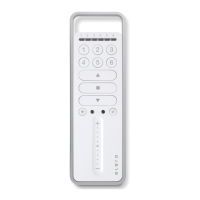
Explanation of functions
GB-6
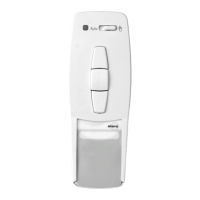
Manual/Automatic sliding switch
The sliding switch is used to switch the receivers into either
“MANUAL ”or “AUTO”mode.
When the sliding switch is set to automatic mode, the
receivers will respond to every signal transmitted,whereas in
manual mode they will only respond to UP,STOP and DOWN
control commands,as well as to wind alarm signals.
Transmission control light
The transmission control light is illuminated when a radio
signal is being transmitted.
The transmission control light will flash during transmission if
battery power is low.
The transmission power or radio operating range will decrease
as battery power decreases.If the transmission control light
does not light up when the buttons are pressed,the batteries
must be replaced.
Group control
Group control refers to the operation of one or more receivers
at the same time.The group selected is controlled via a control
command.
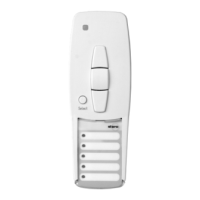
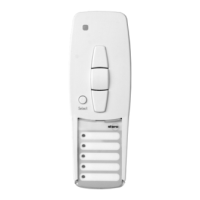
The LumeroTel operates the chosen group via a radio channel.
Note: The inlay card beneath the transparent cover can be
used to make a note of the groups which have been
programmed.
GB
Installation
GB-5
Note: Radio base stations transmitting in the same frequency
range may cause reception interference.
Please note that the operating range of the radio signal
is limited by legislation as well as by the product design.
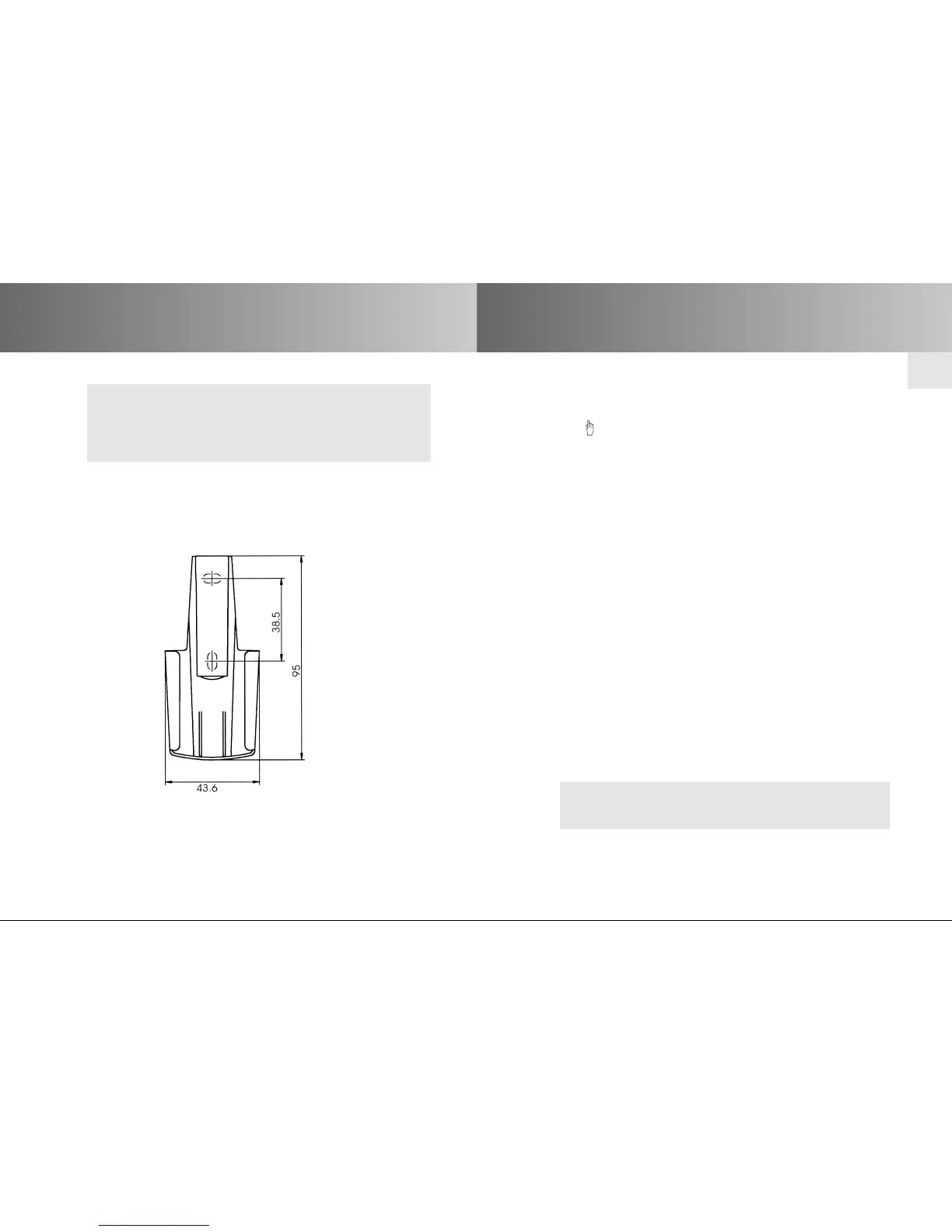
Wall holder installation
• Before installing the wall holder, always ensure that the
transmitter and receiver are in proper working order.
• Mount the holder onto the wall using the two raw plugs and
screws provided.


 To Next Page