1.1 Health & Safety
Please ensure you read the Health & Safety notes in Section 6.
1.2 Product Range
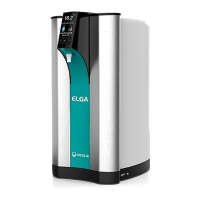
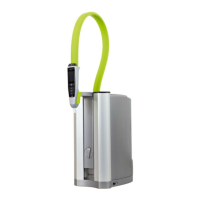
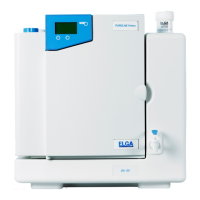
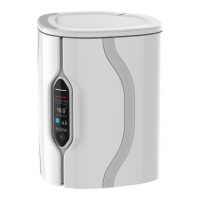
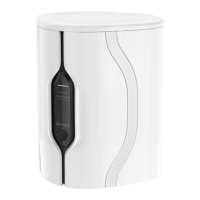
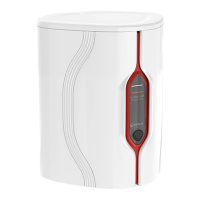
This Operator manual has been prepared for PURELAB® Chorus 2 RO/DI product models:
• PURELAB® Chorus 2 RO/DI Part No. PC210DIBPM3
• PURELAB® Chorus 2 RO/DI Part No. PC210DIXXM3
• PURELAB® Chorus 2 RO/DI Part No. PC220DIBPM3
• PURELAB® Chorus 2 RO/DI Part No. PC220DIXXM3
1.3 Use of this Manual
This manual guides you through the operation and maintenance of Chorus 2 RO/DI allowing you
to obtain a guaranteed supply of puri ed water to meet your requirements.
1.4 Installation
Quick Start Guide shows you how to install and commission the Chorus 2 RO/DI.
1.5 System Confi guration
Maximum system size 4 X Chorus 2 RO/DI + Reservoir.
See Quick Start Guide for typical con gurations.
1.6 Environment
The Chorus unit should be installed on a at, level surface, in a clean, dry environment.
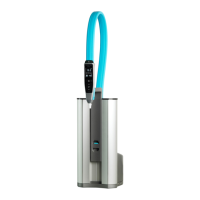
The unit can also be wall mounted using the purpose designed wall mounting kit against a
vertical wall capable of supporting the combined weight of the unit and mounting kit INST40989.
1.7 Commissioning
Chorus is supplied in a preset commissioning mode which must be completed before puri ed
water can be dispensed. See Quick Start Guide.
1.8 Customer Support
If you need help with your Chorus, please call your local ELGA representative. For the address of
the nearest ELGA LabWater Sales and Service of ce visit the country list on our website.
www.elgalabwater.com or contact ELGA Lab-Water at: Email: techsupport@elgalabwater.com
NOT TO BE USED IN FUME EXTRACTION ENCLOSURES.
WARNING!
Chorus 2 Operator Manual MANU40003 Version 03 3/19 Page 1
1. INTRODUCTION



 To Next Page