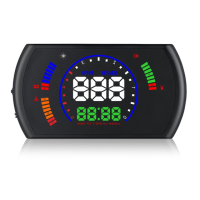
12. Water temperature icon(it will flash when give the high water temperature
alarm)
13. Water temperature
14. Multi functions display area: instantaneous fuel consumption for 100
kilometers/Instantaneous fuel consumption/RPM/Voltage/Water temperature/Single
Driving Distance can be switched
HUD keys functions,when the wave button is on the right
Long pull up: All the lights will be on, to eliminate the fault code
Long pull down: turn off/on the buzzer
Long press in: to enter into the setting menu
Short press in:(1)to switch the multi functions of RPM/Water temperature/Single
driving distance (2)when enter into the setting menu, short press in the button to
add the menu
Short pull up :when enter into the setting menu, to add the default value for each
menu
Short pull down:(1)to switch the display mode:normal display mode or simple display
mode (2)when enter into the setting menu,to decrease the default value
Buzzer
When HUD is power on,Long pull down the button for 5 seconds,will turn off the
buzzer,do it again to turn on the buzzer
Clear the fault code
When HUD is power on,long pull up the button for 5 seconds,then all the lights are
bright,HUD will give a sound of “di”,it means finished
Factory reset
When HUD is power on,long press in the setting button for 5 seconds to enter into
the menu setting mode,short press in the button for 12 times to menu 12,the default
value is 0,short pull up or pull down to change it at 1,then long press in the button
for 5 seconds to save and exit


 To Next Page