Home
Eling
Automobile Accessories
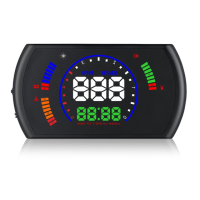
OBD2 HUD
Page 4 (Display Mode)
Eling OBD2 HUD - Display Mode; Brightness Adjustment; Speed Unit; Water Temperature Unit
7 pages
Manual
Save Page as PDF
To Next Page
To Next Page
To Previous Page
To Previous Page
Loading...
5
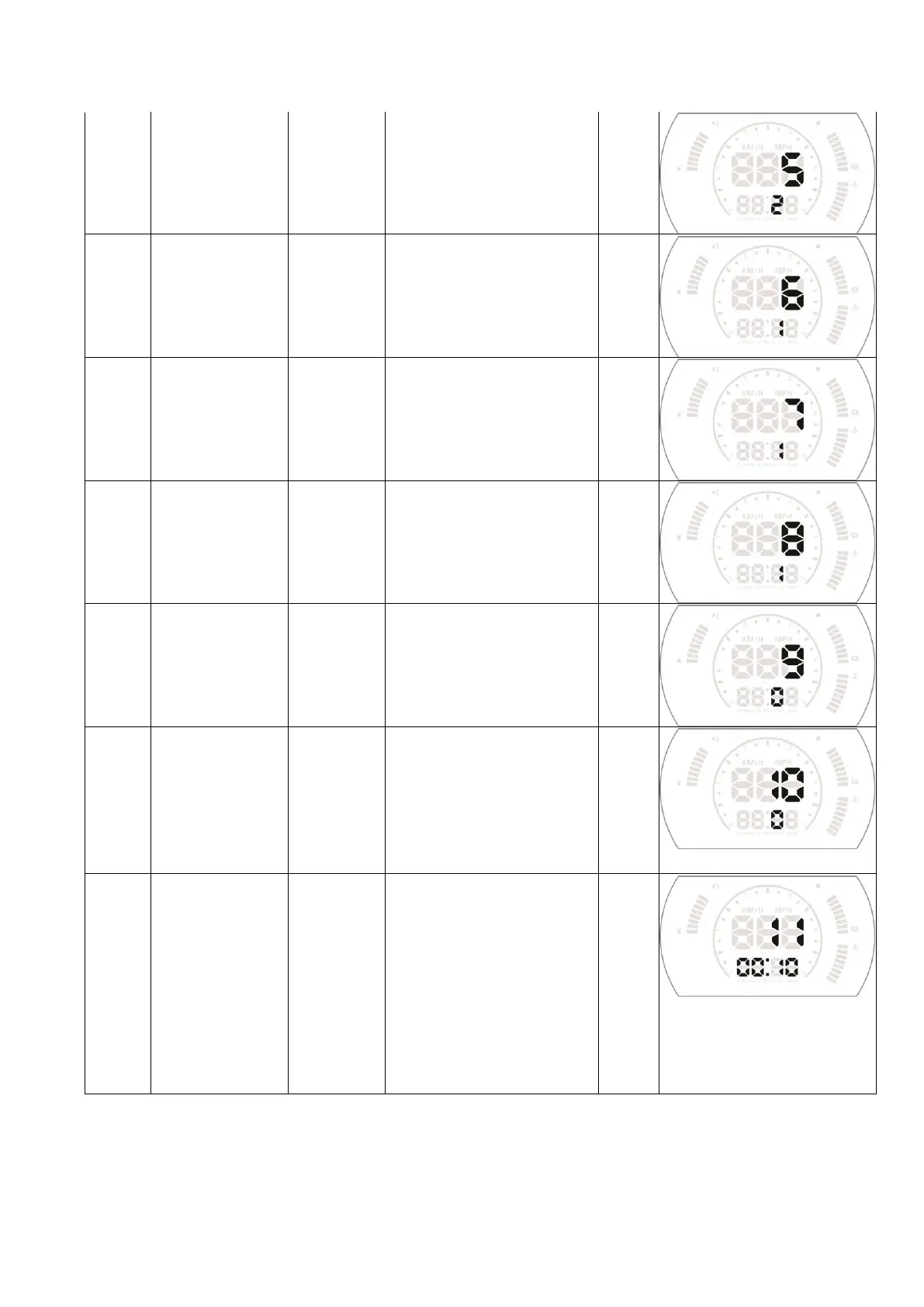
Display Mode
0-1
0=HUD display(r
ea
d fr
om
the windshield re
flection),
1=rea
d
from
the HUD
device directly
0
6
Brightness
adjustment
0-2
0 =automatic brigh
tness
adjus
tment, 1=dark
es
t,
2=bright
est
0
7
Speed unit
0-1
0=KM/H
1=MPH
0
8
Water
temperature unit
0-1
0=°
C
1=°
F
0
9
Single Driving
distance unit
0-1
0=K
ilometer
1=Mile
0
10
Start re
fere
nce
voltag
e
0-15.0V
If HUD cannot aut
o turn
off
,or the car ar
e with
ASS(Automa
tic s
tart/
sto
p
s
ys
tem),change the v
olta
ge
at 13.2V or 13.8V
0
11
Delay
e
d
shutdown
00:10-09:00
The defa
ult val
ue for
HUD
shutdown time is
00
:
10
(m
eans after
10 seconds,
HUD will turn off),when the
car is
automatic
start/
stop s
ys
tem, y
ou ca
n
delay the shut
down time
to
01
:80 (means 180s)
00
:
10
3
5
Table of Contents
Main Page
Introduction
1
HUD Display Functions
1
HUD Keys Functions
2
Buzzer
2
Clear the Fault Code
2
Factory Reset
2
HUD Setting
3
Menu Parameters Adjustment
3
Display Mode
4
Brightness Adjustment
4
Speed Unit
4
Water Temperature Unit
4
Single Driving Distance Unit
4
Start Reference Voltage
4
Delayed Shutdown
4
HUD Installation
5
Technical Parameters
5
Troubleshooting
6
Inaccurate Speed
6
Inaccurate RPM
6
Inaccurate Fuel Consumption
7
Setting for the over Speed Alarm
7
When HUD Cannot Automatically Power off or Can Power off but It Re-Start Again
7
HUD will Power off When Driving
7


 To Next Page