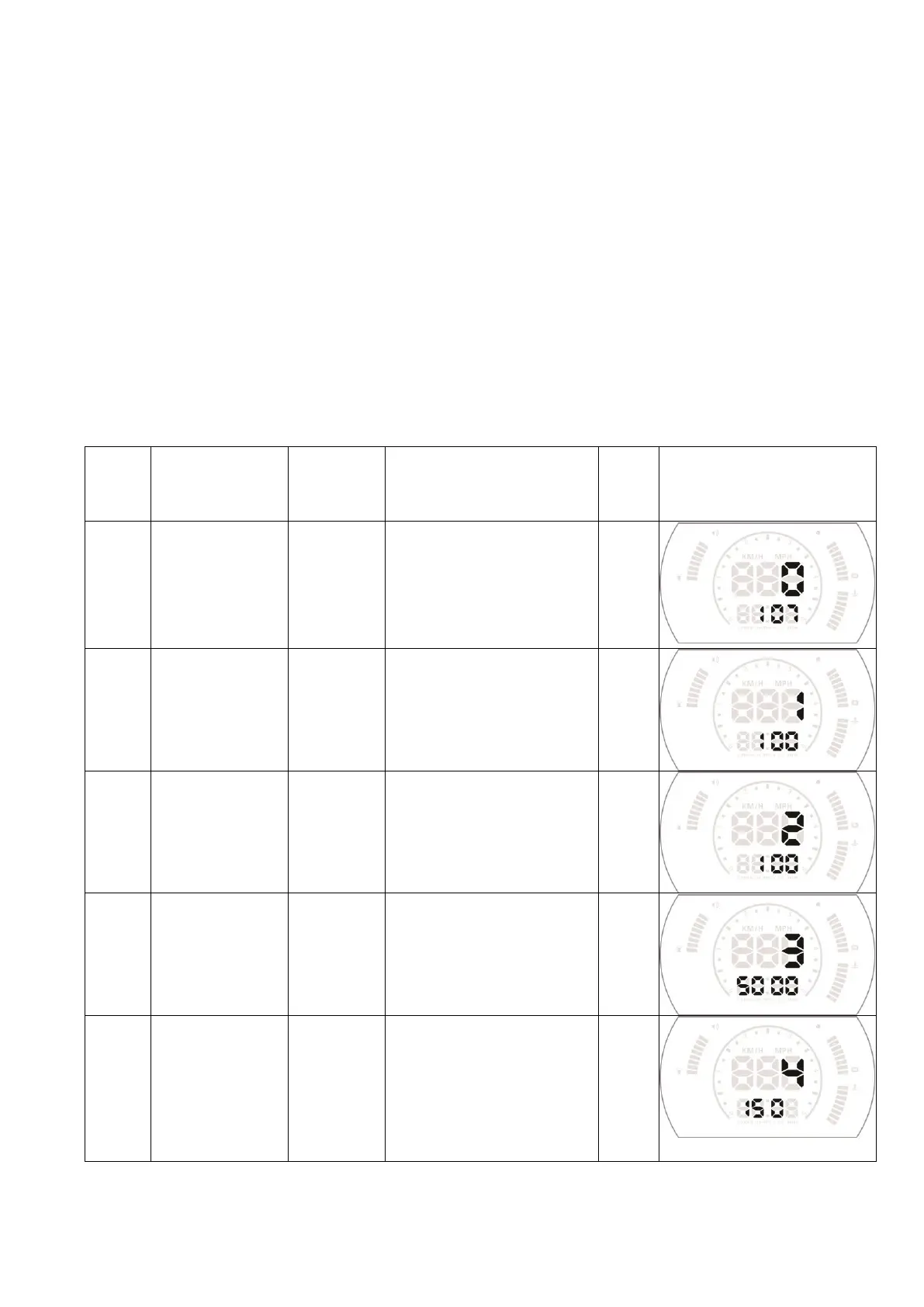
HUD setting:
HUD display information is from ECU, because when producing car, there is a
difference between vehicle dashboard and ECU , then you can enter the setup mode
to fine-tune the HUD display value, in order to achieve exactly the same value as
dashboard. We have adjusted HUD according to the general test values at the factory,
if you find HUD display information is different from dashboard, then make the
following adjustments:
Vertical long press in the setting button for 5s to enter the menu setting, vertical
short press to increase the menu option ,up and down the setting button to increase
or decrease the parameter value. After adjustment, vertical long press 5 seconds to
save and exit.
If the speed is different
with dashboard, it can be
adjusted
When the driving speed
reach to 150,HUD will give
the alarm,the default value
can be changed by shot pull
up or pull down then
button


 To Next Page