Joan Oró, 27 Pol. Ind. Sesrovires- St. Esteve Sesrovires, BCN, España– +34 932 935 178 – ! info@elite.es
The following parameters appear on the screen shown below (fig.5):
• To save (Guardar): allows you to store the previously selected data. To save them select this option using
the menu selector and press it to store them (see fig 5)
• To pass on (Transmitir): selecting this option using the menu selector will start the program. (See Figure
5)
After performing these steps, the operator must close the machine cabinet to finally start the program that
has been configured.
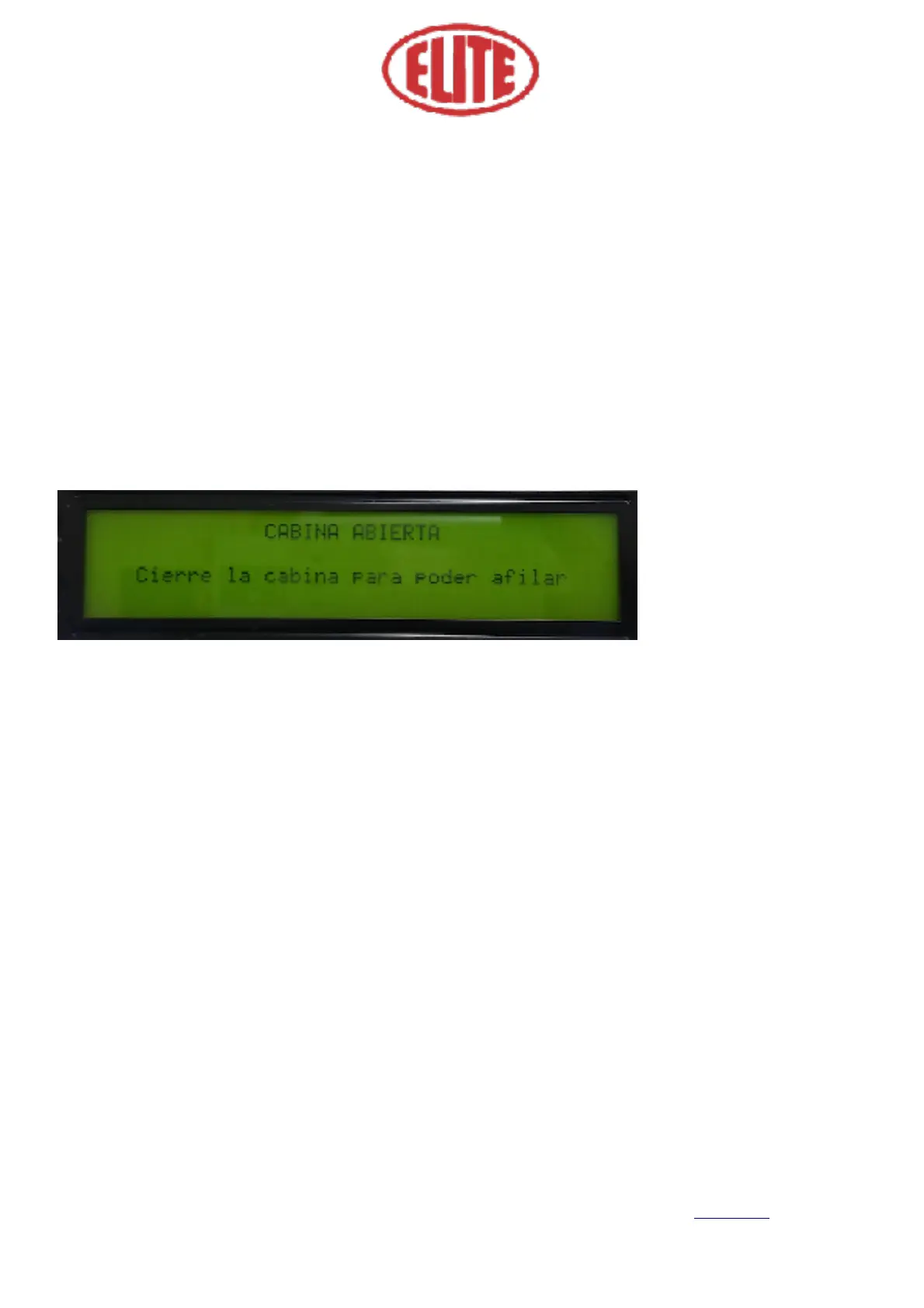
Otherwise, the following message appears on the screen “Open Cabin” (Cabina Abierta) “Close the cabin to
start grinding” (Cierre la cabina para poder afilar) :
Finally, you should approach the blade until it rubs against the grinding wheel. Now you can start the shar-
pening process.



 To Next Page