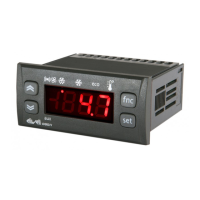
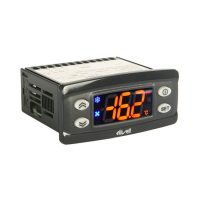
The keypad can be locked by entering the “Basic Commands” menu using
set
and pressing and
within 2 seconds, or by programming the “LOC” parameter (see “diS” folder). If the keypad is locked, the “Basic
Commands” menu can be accessed and the Setpoint displayed, but the value cannot be modified.
LOADING DEFAULT APPLICATIONS
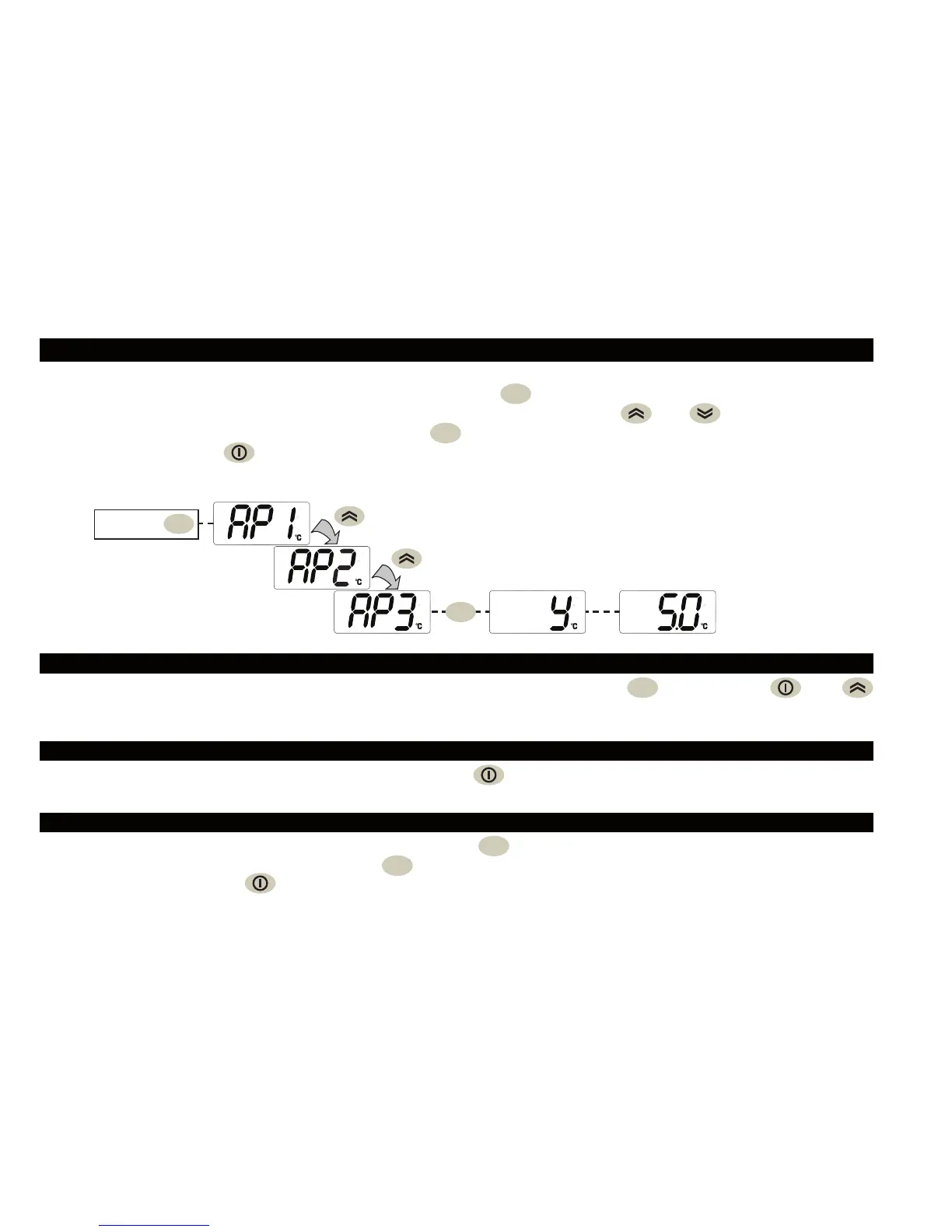
The procedure used to load one of the default applications is:
• when the instrument switches on, press and hold the
set
key: the label “AP1” will appear;
• scroll through the various applications (AP1-AP2-AP3-AP4) using the
and keys;
• select the desired application using the key
set
(“AP3” in the example) or cancel the procedure by
pressing the key
; alternatively wait for the timeout;
• if the operation is successful, the display will show “y”, otherwise “n” will appear;
• after a few seconds the instrument will return to the main display.
set
Power-on +
set
ACCESSING AND USING THE MENUS
Resources are organised into menus. Press and release the
set
key to access the “Machine Status” menu.
To access the “Programming” menu, press the
set
key for more than 5 seconds. If no keys are pressed for over 15
seconds (Timeout), or if the
key is pressed, the last value to appear on the display is confirmed.
LOCK SETPOINT MODIFICATION
The instrument can be switched off by pressing the key for longer than 5 seconds. In this condition, the
adjustment algorithms and defrost cycles are disabled and the text “OFF” will appear on the display.
INSTRUMENT ON/OFF


 To Next Page