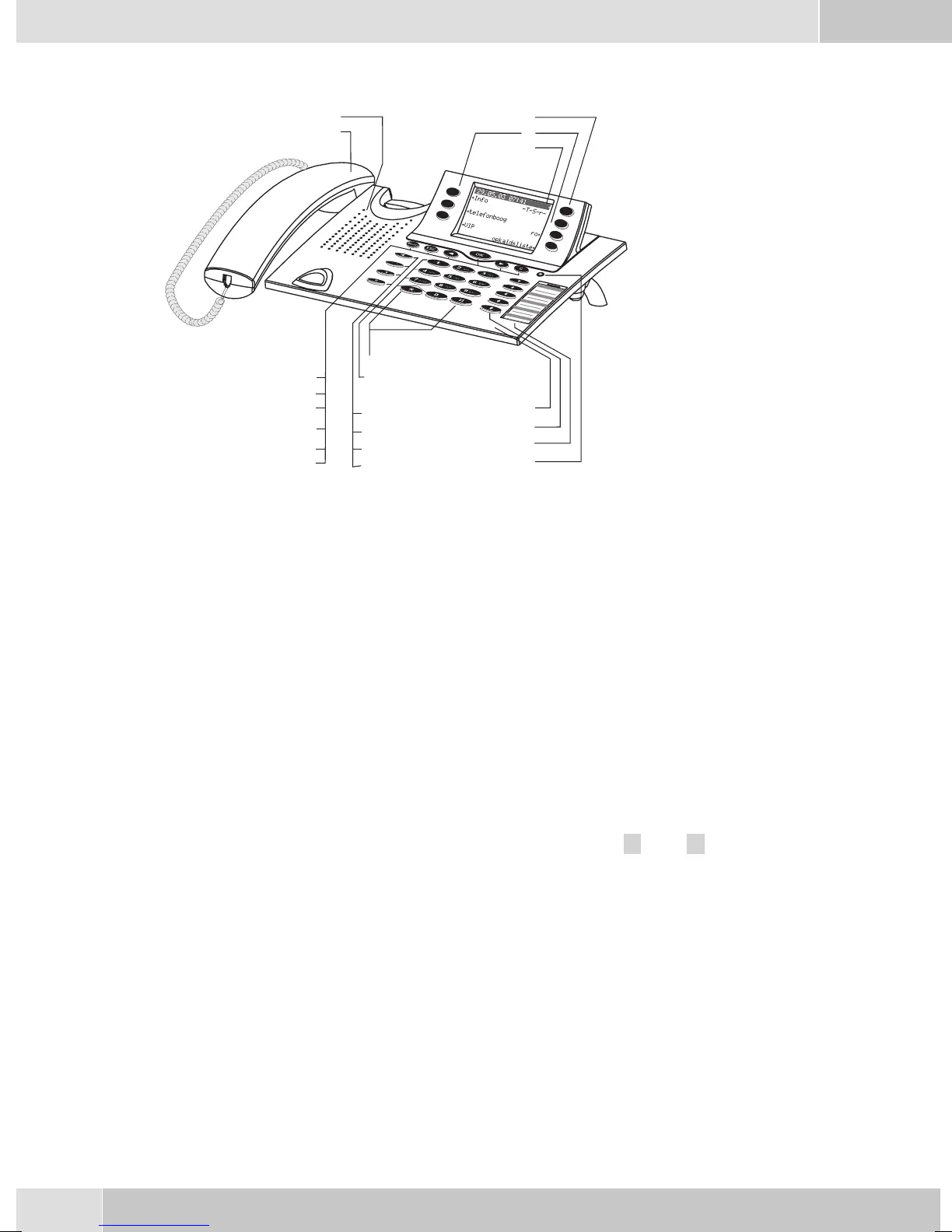
Telephone display and buttons
1 Speaker
2 Handsetwithconnectingcord
3 Answering machine buttonon thetelephone (optional module) or »PABXmenubut-
ton
4 6Softkeys
5 Seven-linebacklitdisplay
6 Menukey:Thiskeyopenstheprogrammingmenu. Ifyouarealreadylocatedinamenu
and then press the key, either menu-specific functions are shown, or you are moved
backoneprogrammingstep.
7 ESCkey:PressingtheEscbuttonduringprogrammingreturnsthetelephonetoitsidle
status.
8 / 10
Arrowbutton»Totheleft«/»Totheright«:Thearrows» {«and»} «intherightcor
-
neronthetoplineofthedisplayindicatethatyoucancallupfurtherfunctionsonthelo
-
werlinesusingthearrowbuttons.
9 OKkey:Pressingthisbuttonconfirmsanentryorstoresasettinginthetelephone.
11 Ckey:Pressthisbuttontomovebackonemenustepinthemenu. Ifyouarecurrentlyin
theinputmode, thisbuttoncanbeusedtodeleteindividualcharacters.
12 Asteriskkey/hashkey
13 Dialbuttons
14 Openlistening/hands-freebutton
15 Endingacall
16 Redialbutton
17 Enquirybutton
18 Microphone
English
2
1
2
3
4
5
18
19
20
21
12
13
14
15
16
1
6
7
8
9
10
11
Figure 5


 To Next Page
 Loading...