User Manual: X-Series Rev A AiO Touchcomputer
SW602213 Rev A, Page 12 of 51
Chapter 2: Getting Started
Unpacking the X-Series Touchcomputer
To unpack the X-Series:
1. Open the box.
2. Check that the following items are present and in good condition:
X-Series system unit.
Quick Install Guide
AC/DC Power adapter.
Power cable for North America, Europe, and U.K.
Cable Cover Locking Screw.
3. Remove the protection bag/cover, desiccant packs, and other packaging materials
appropriately. Please take extra caution to ensure they are not accessible by small
children.
4. Press the power button to start using the X-Series.
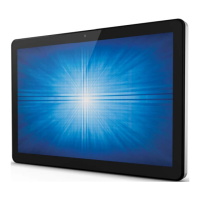
Figure 4. The X-Series system material package.



 To Next Page
 Loading...