X101532E 8
4 ELRO Quick Cook Select QCS
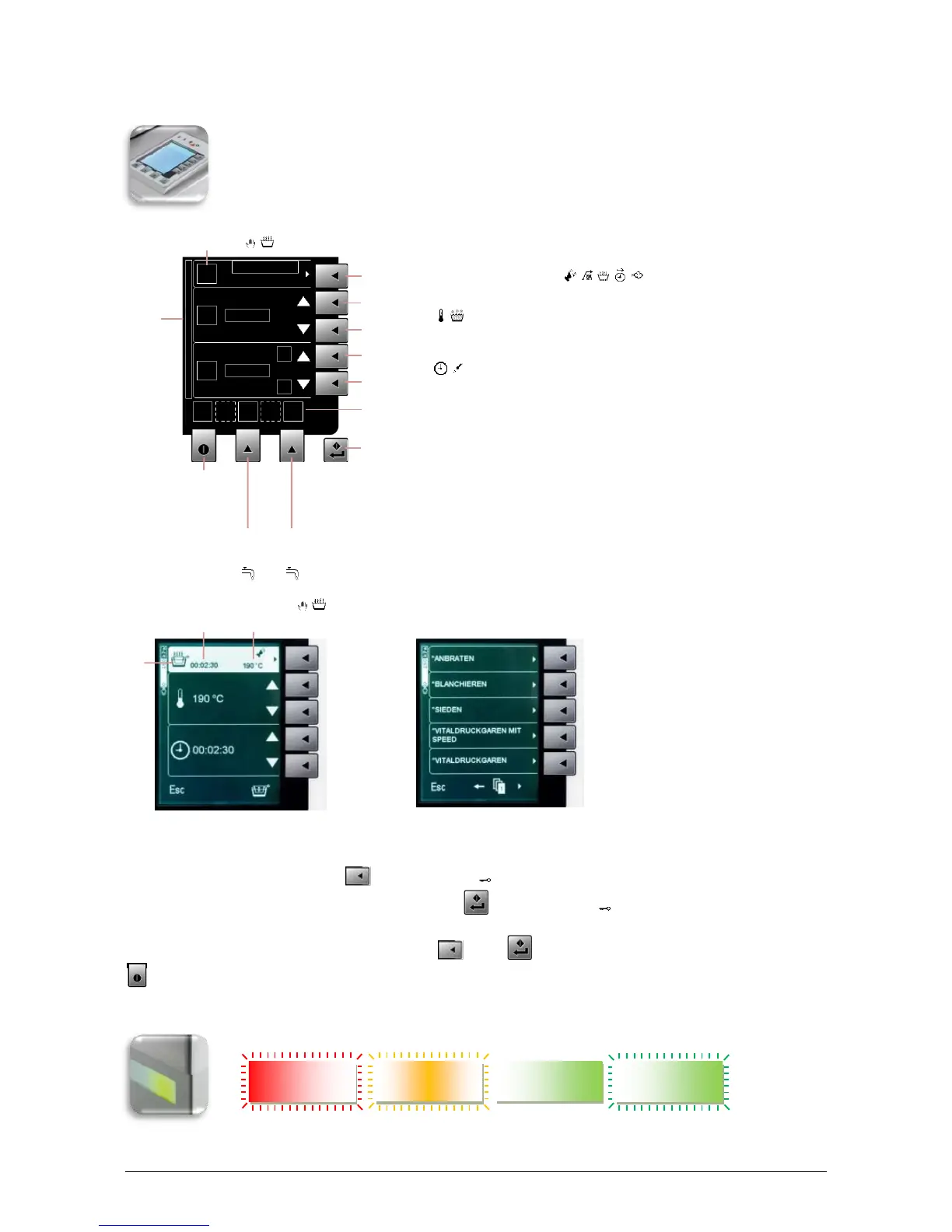
ELRO QCS ensures easiest operation and reproducibility. You use the appliance with
the help of the 9 keys on the display control 90. You can prepare food using operation
modes or cooking programs. In addition, you can retrieve various information.
On/Off Esc
A On/Off (4sec)
A Esc (press)
Activate / deactivate options
Information when browsing
Start/ENTER
D Start/ENTER
* Fixed cooking programs – these cannot be changed
4.1 Keypad lock
In cooking programs (3x per sec) (5) keypad lock
In operation modes / Manual operation (3x per sec) (D) keypad lock
Unlock keypad:
Press the corresponding key (3x per sec) again (5) or (D)
A On/Off (4 sec) also works when the keypad lock is activated!
4.2 Process status display
RED BLINKING YELLOW BLINKING GREEN GREEN BLINKING
Process time Process temperature
Information pressure heating
system / High-speed ready



 To Next Page