THURSDAY, 27 FEBRUARY 2014 PAGE 21 OF 31
EMS75VR-ROYAL-VENDING-INSTALLATION AND USER GUIDE-ISS3
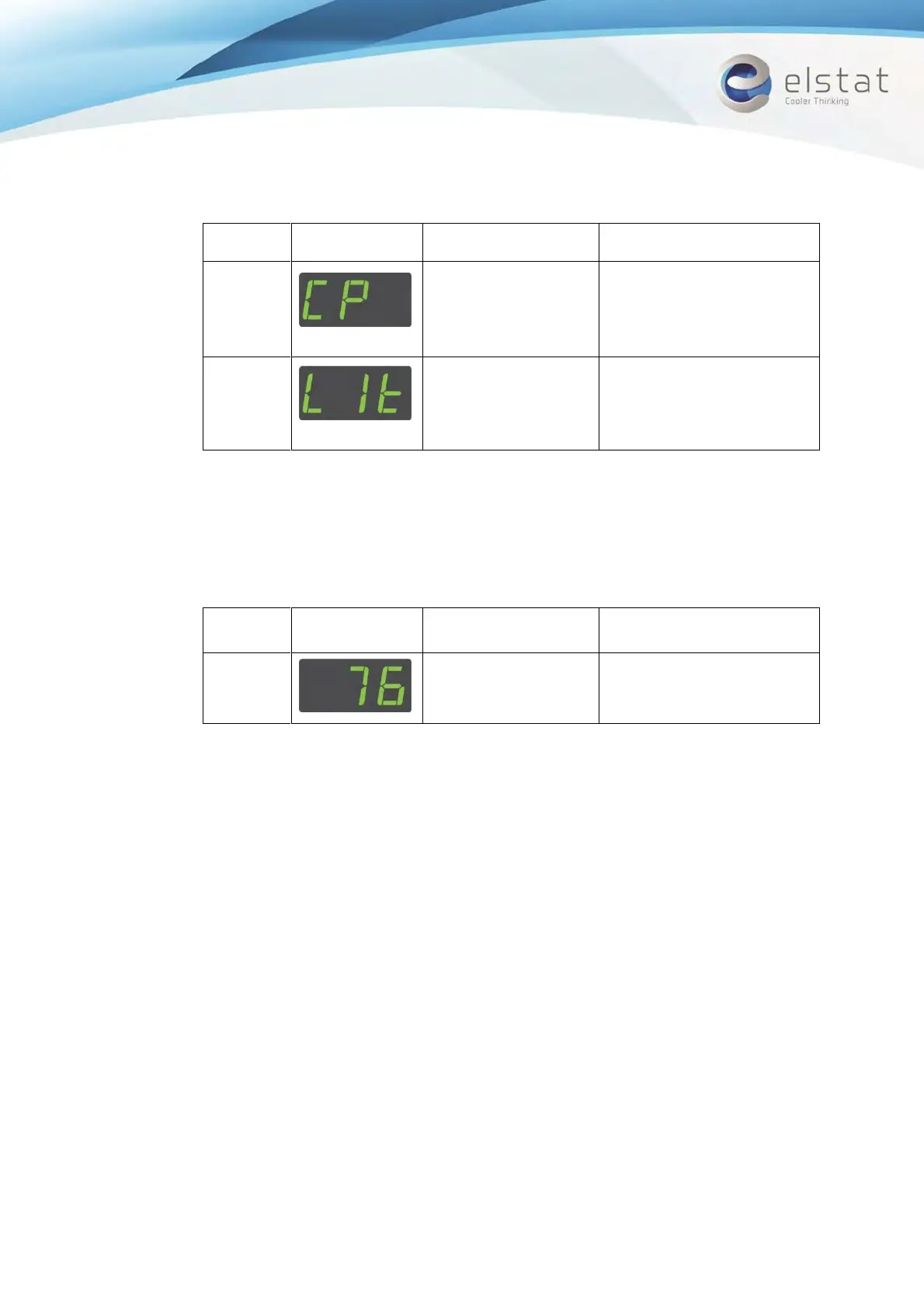
Compressor is running and
compressor LED is on
Vending machine lights are on
Note: To switch off the relays that are on, press the defrost button
4. Press the Defrost and Set buttons simultaneously to test the analogue inputs. The display changes to
AnA.
5. Press the Up button to start the analogue input tests and then test the analogue inputs as described in
the table below.
Appliance sensor
temperature
Displayed temperature is
correct
6. Press the Defrost and Set buttons simultaneously to test the motion detector. The display changes to
PIr.
7. Press the Defrost button and then place your hand about 300mm in front of the motion sensor. Move
your hand from left to right and ensure the following:
The display count increments for each detected movement.
The motion LED flashes for each detected movement.
8. Press the Defrost and Set buttons simultaneously to end the test routine.


 To Next Page