GB-5
GB
Billing information (1/5)
Vb : 4.00 m
3
F01 : 0.00m
3
F02 : 0.00m
3
F03 : 0.00m
3
UES :0x0240000000000000
▷
V
b
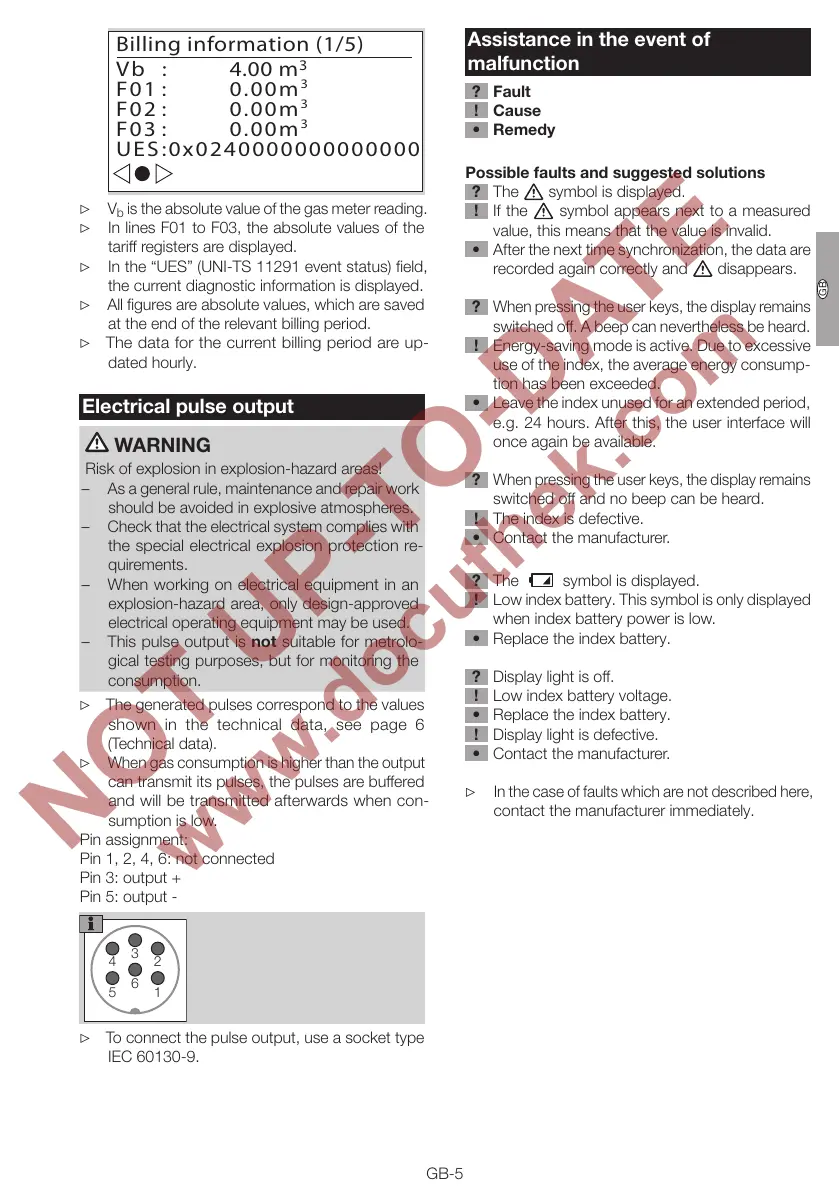
is the absolute value of the gas meter reading.
▷
In lines F01 to F03, the absolute values of the
tariff registers are displayed.
▷ In the “UES” (UNI-TS 11291 event status) field,
the current diagnostic information is displayed.
▷ All figures are absolute values, which are saved
at the end of the relevant billing period.
▷
The data for the current billing period are up-
dated hourly.
Electrical pulse output
WARNING
Risk of explosion in explosion-hazard areas!
– As a general rule, maintenance and repair work
should be avoided in explosive atmospheres.
– Check that the electrical system complies with
the special electrical explosion protection re-
quirements.
– When working on electrical equipment in an
explosion-hazard area, only design-approved
electrical operating equipment may be used.
– This pulse output is not suitable for metrolo-
gical testing purposes, but for monitoring the
consumption.
▷ The generated pulses correspond to the values
shown in the technical data, see page 6
(Technical data).
▷
When gas consumption is higher than the output
can transmit its pulses, the pulses are buffered
and will be transmitted afterwards when con-
sumption is low.
Pin assignment:
Pin 1, 2, 4, 6: not connected
Pin 3: output +
Pin 5: output -
3
6
4
5
2
1
▷ To connect the pulse output, use a socket type
IEC 60130-9.
Assistance in the event of
malfunction
? Fault
! Cause
• Remedy
Possible faults and suggested solutions
? The
symbol is displayed.
! If the symbol appears next to a measured
value, this means that the value is invalid.
• After the next time synchronization, the data are
recorded again correctly and disappears.
? When pressing the user keys, the display remains
switched off. A beep can nevertheless be heard.
! Energy-saving mode is active. Due to excessive
use of the index, the average energy consump-
tion has been exceeded.
• Leave the index unused for an extended period,
e.g. 24hours. After this, the user interface will
once again be available.
? When pressing the user keys, the display remains
switched off and no beep can be heard.
! The index is defective.
• Contact the manufacturer.
? The
symbol is displayed.
! Low index battery. This symbol is only displayed
when index battery power is low.
• Replace the index battery.
? Display light is off.
! Low index battery voltage.
• Replace the index battery.
! Display light is defective.
• Contact the manufacturer.
▷
In the case of faults which are not described here,
contact the manufacturer immediately.


 To Next Page