54
Proceedasfollowstochangethesettings:
•Pressthe“
“ key for more than 3 seconds.
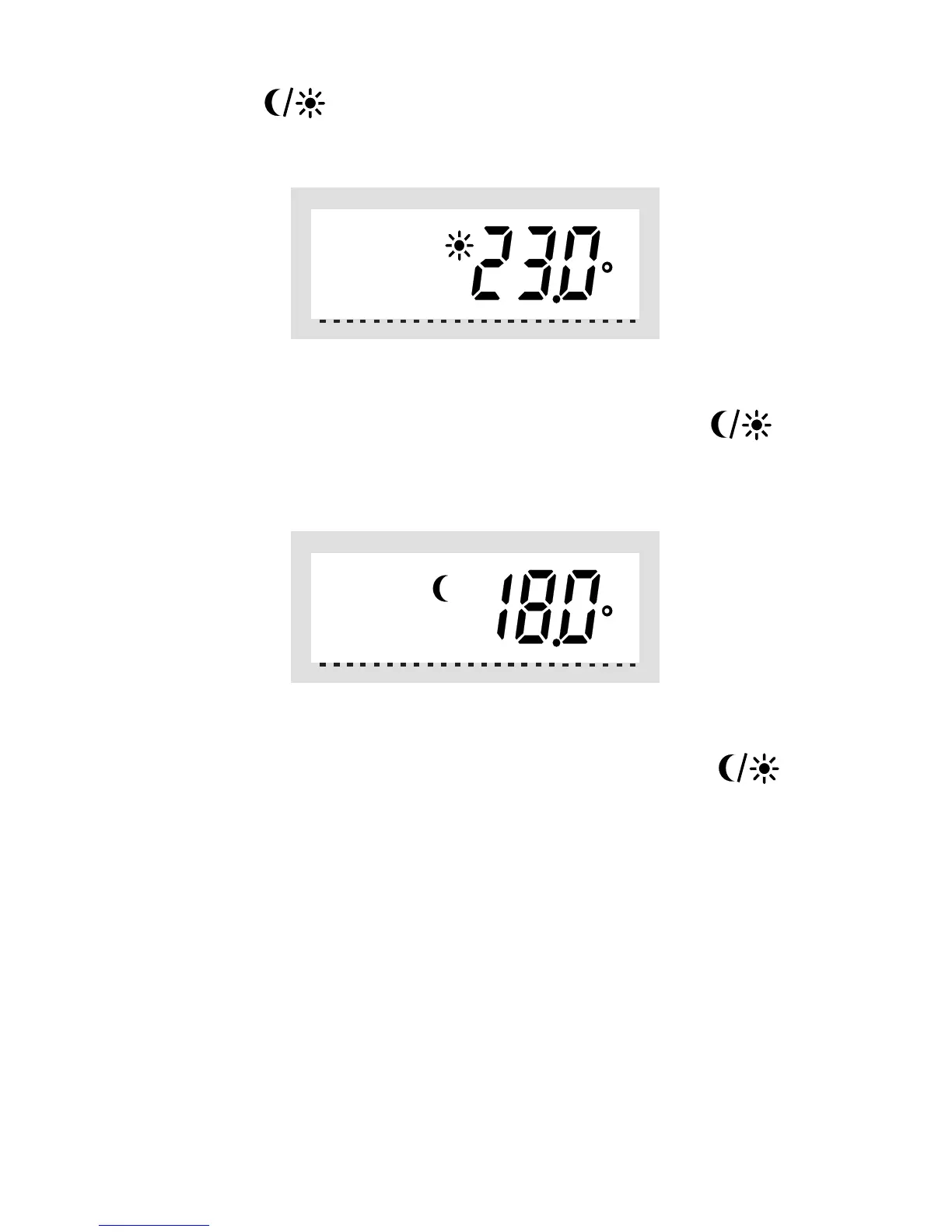
•ThecomforttemperatureisdisplayedontheLCdisplay.
Use the selection wheel to set the desired comfort tempera-
ture. To confirm your setting, briefly press the „
„ key.
•TheloweringtemperatureisdisplayedontheLCdisplay.
Use the selection wheel to set the desired lowering temper-
ature. To confirm your setting, briefly press the „
„ key.
•Theheatingcontrolreturnstothenormaloperatingmode.
b) Setting/changing the week prole
The time for automatic switching between the comfort tem-
perature and the lowering temperature can be set separate-
ly for each day of the week. That way you may adapt the de-
sired room temperature to your individual lifestyle.



 To Next Page