47
7. Setting of date and time
•Ifthedisplayisprotectedbyafoil,removeit.
•If batterieshave not been inserted yet,proceedasde-
scribed in chapter 6 to insert them.
After inserting the batteries an automatic display test is per-
formed(allsegmentsanddisplaysoftheLCdisplayaredis-
played for several seconds).
After the display test you may set the year, the month, the
day, the hours and the minutes on the heating control.
Use the selection wheel to change the displayed values. To
confirm your selection, briefly press the “PROG” key.
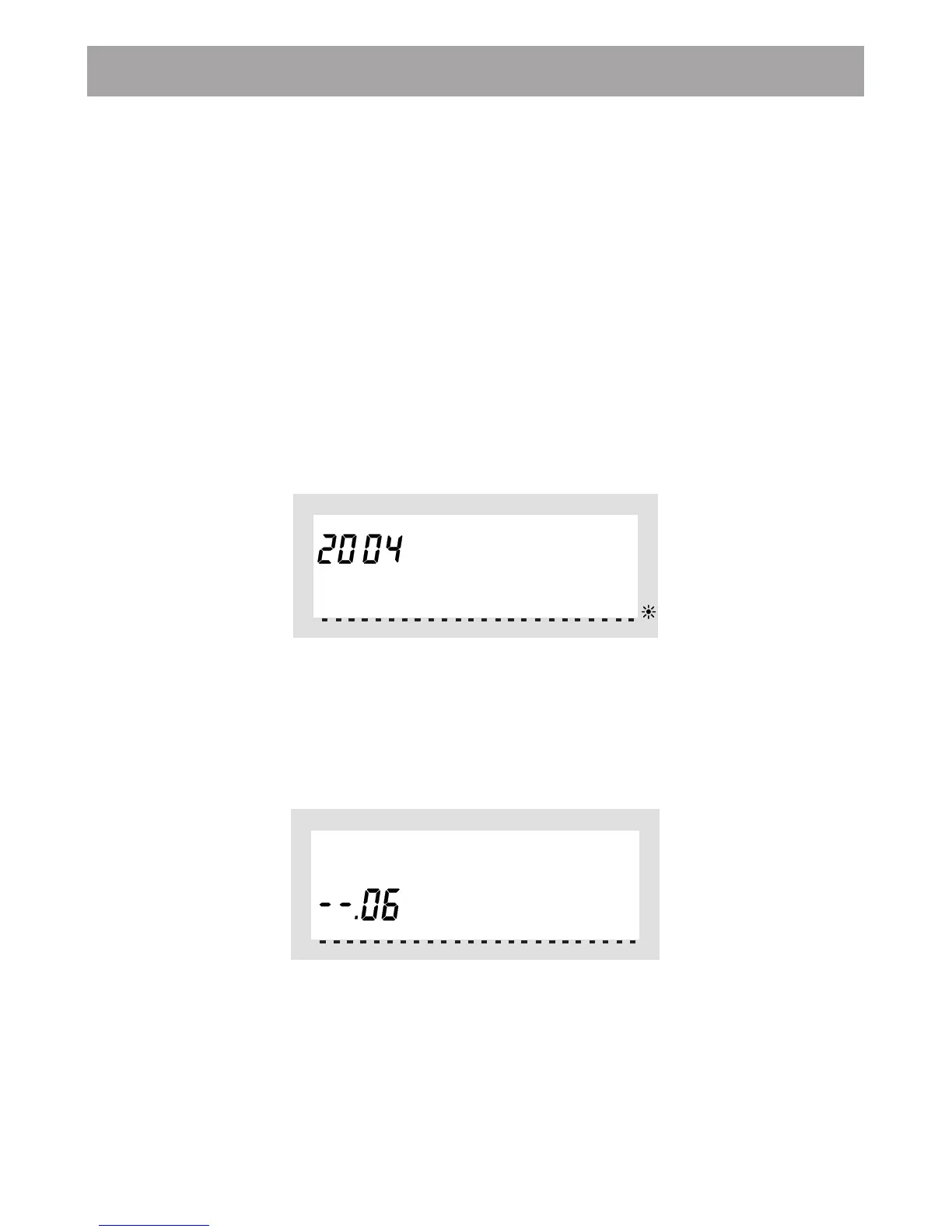
•Afterinsertingthebatteriestheyearisdisplayed:
Use the selection wheel to set the desired year. To confirm
your setting, briefly press the “PROG” key.
•Themonthisdisplayed:
Use the selection wheel to set the desired month, and con-
firm your setting again by pressing the “PROG” key.



 To Next Page