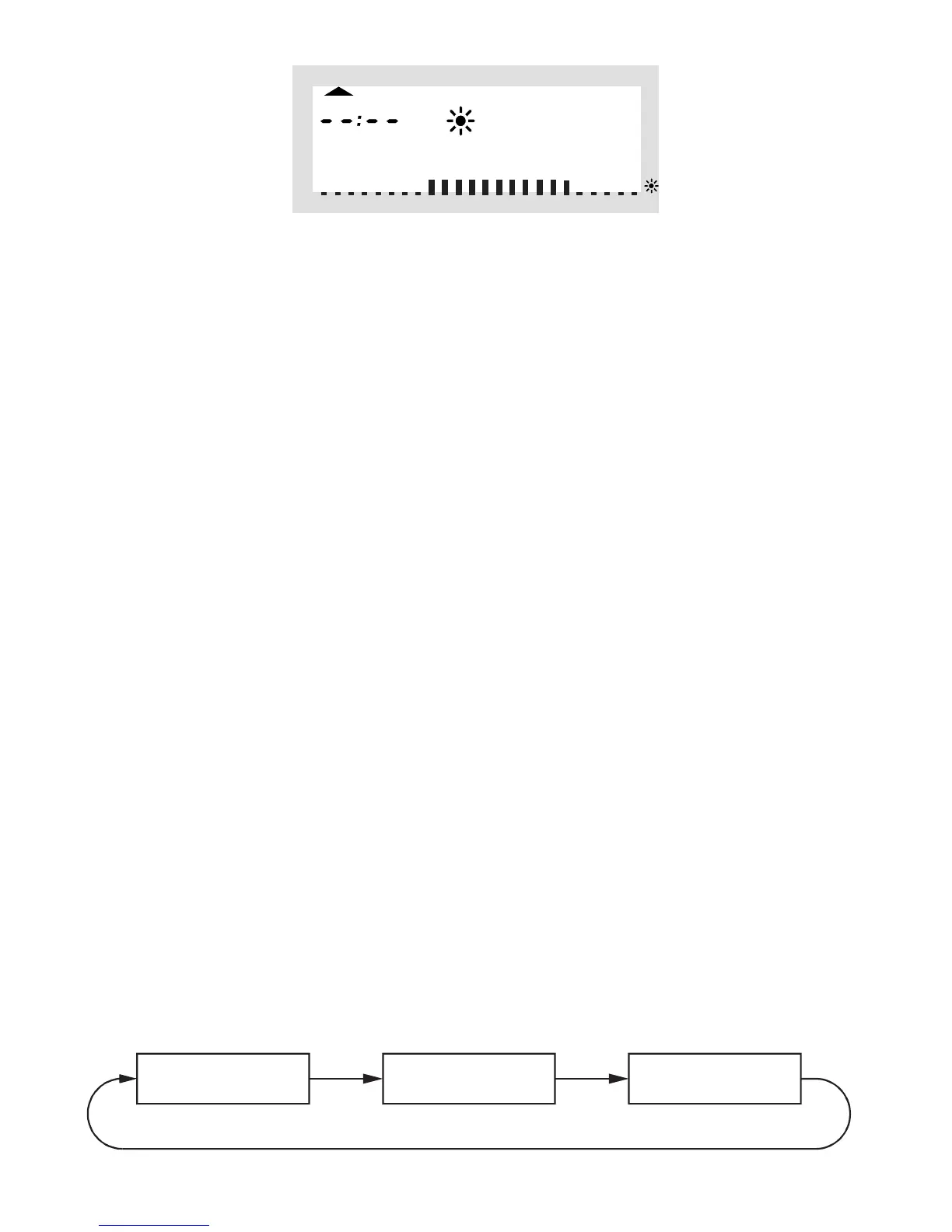
Ifyouset the secondcomforttemperaturetime to„--:--“
the setting of the second lowering temperature time is irrel-
evant, since no data are changed.
In all, you may set two periods of time for comfort temper-
ature, e.g. from 6.00 to 9.00 hrs and from 16.00 to 23.00
hrs.
After setting of the second lowering temperature time and
confirming the setting by pressing the „PROG” key the nor-
mal operating mode is active again.
ThescaledisplayedonthebottomoftheLCdisplayfollows
the changes as they are being made, i.e. the effect on the
day profile is immediately visible.
Please note that the temperature at the end of the previ-
ous day is not displayed. This means that it may be that
the heating phase at the end of the previous day is con-
tinued the next day. However, this is not displayed during
programming!
c) Operating modes
Press the “FUNKTION” key to change the operating mode.
Press this key several times to scroll through the different
operatingmodes:



 To Next Page