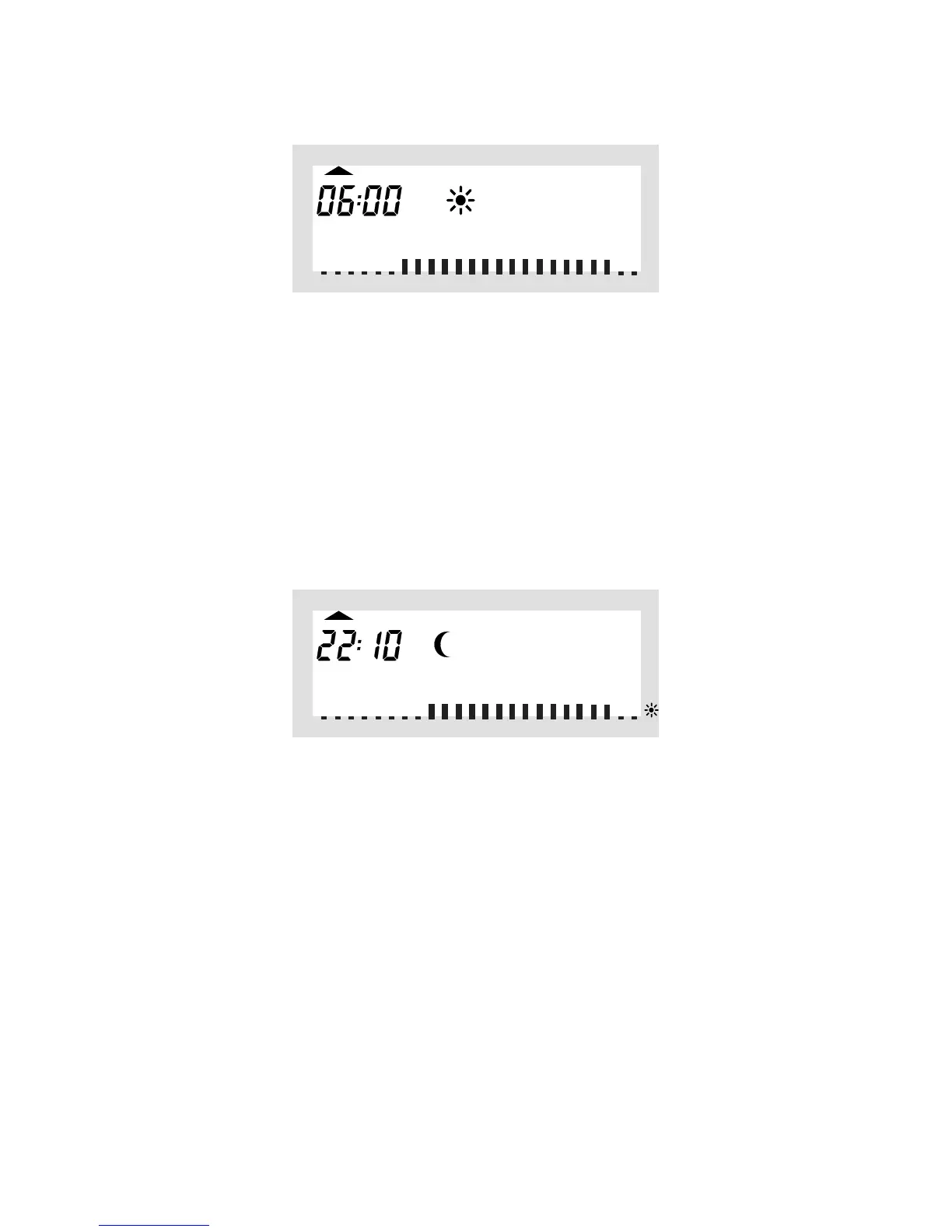
Use the selection wheel to select the time when control of
the comfort temperature is to be started. On the bottom of
theLCdisplayascaleisdisplayedtofacilitateorientation
(long marks = comfort temperature is active).
Briefly press the “PROG” key to confirm the starting time.
•OntheLCdisplaythetimewhentheloweringtemperature
istobeactivatedisdisplayed:
Use the selection wheel to select the time when control of
the lowering temperature is to be started.
Briefly press the “PROG” key to confirm the starting time.
•Repeatthestepsdescribedabovetoprogramthesecond
comfort temperature time and the second lowering temper-
ature time.
If one of the switching times is not to be used, turn the selec-
tionwheeltotherightsideuntilfourbarsaredisplayed(“--:--”,
bars are displayed next to the displayed time 23:50 hrs).



 To Next Page