19
www.eMachines.com
Starting your computer
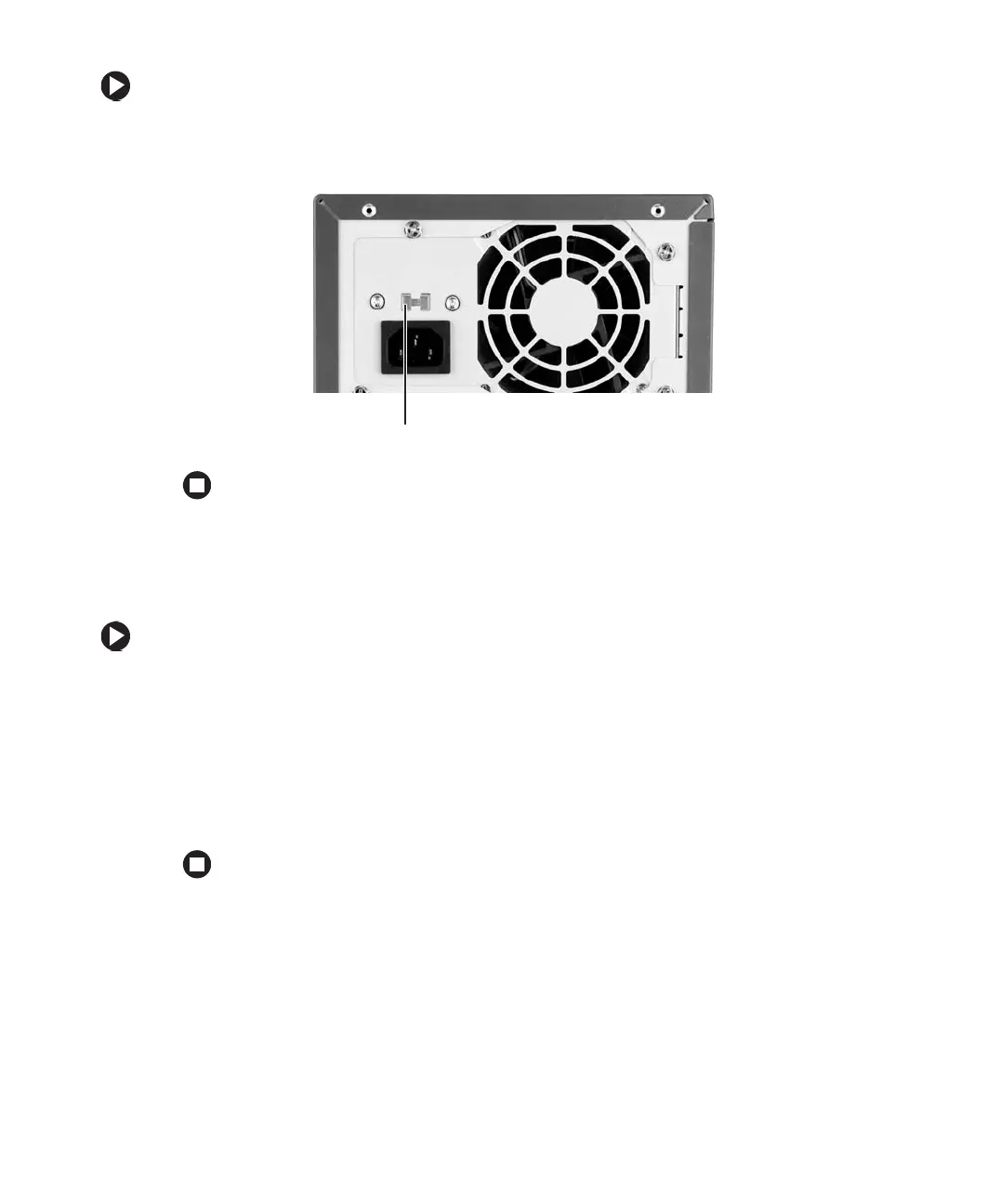
To set the voltage selection switch:
■ Use a tool such as an opened paper clip to slide the voltage selection switch to the
correct voltage position.
Starting your computer
To start your computer:
1 Connect the cables to your computer. See the setup poster.
2 Turn on your computer.
3 If you are starting your computer for the first time, follow the on-screen instructions
to set up your computer.
4 Turn on any peripheral devices, such as printers or scanners, and see the
documentation that came with the device for setup instructions.
Voltage selection switch














 To Next Page