30
www.eMachines.com
Chapter 4: Using Drives and Ports
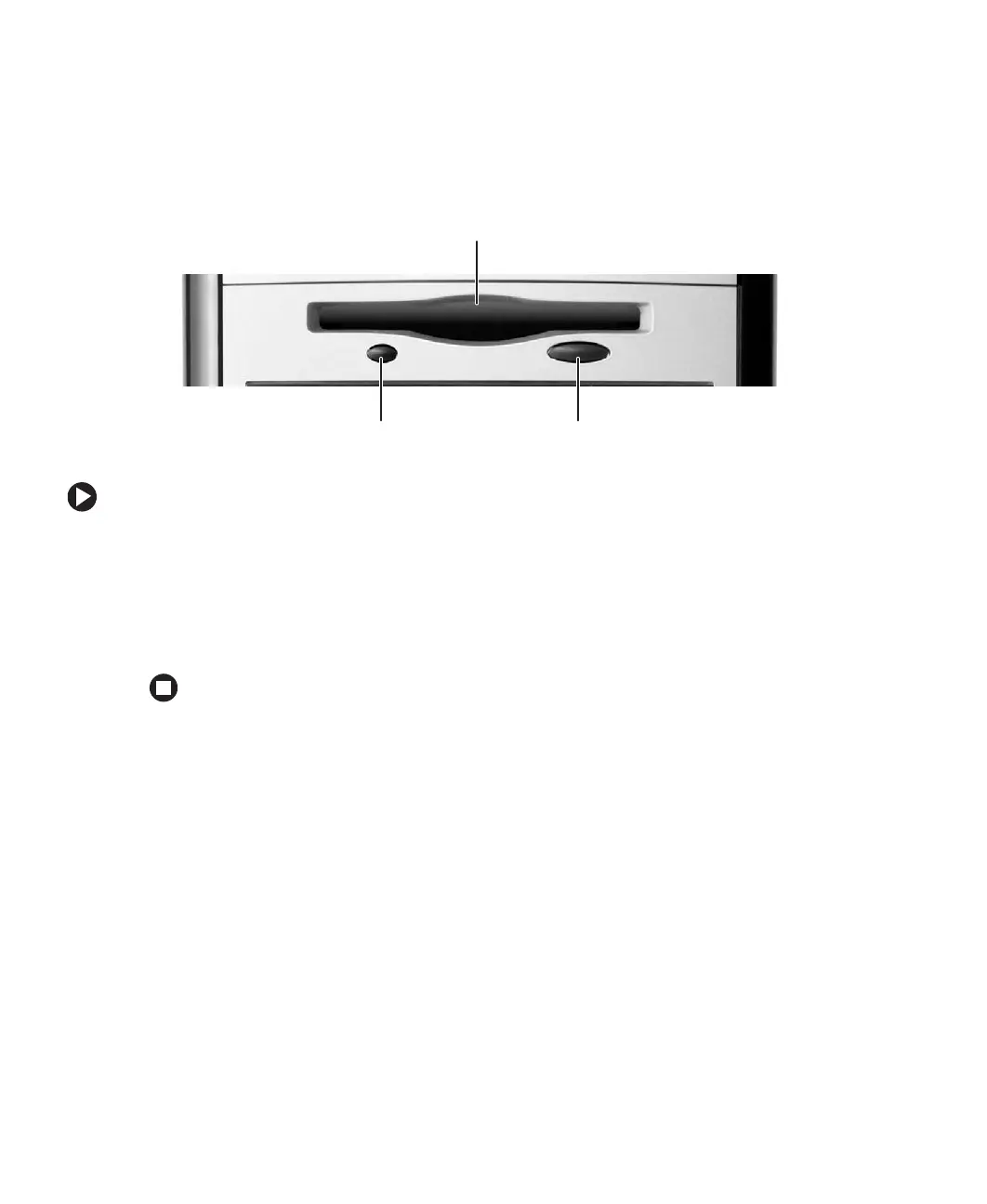
Using the diskette drive
The optional diskette drive uses 3.5-inch diskettes (sometimes called floppy disks).
Diskettes are useful for storing files or transferring files to another computer.
To use a diskette:
1 Insert the diskette into the diskette drive with the label facing up.
2 To access a file on the diskette, click Start, then click My Computer. Double-click the
diskette drive letter (for example, the A: drive), then double-click the file name.
3 To remove the diskette, make sure that the drive activity light is off, then press the
diskette eject button.
Drive activity light
Eject button
Diskette slot














 To Next Page