Step 3: Wi-Fi
Connect to your Wi-Fi Network.
Step 4: Google Account
Sign in with your Google Account.
Step 5: Terms of Service & Privacy Policy
Read and accept the Terms of Services & Privacy Policy.
Step 6: Location Settings
Choose whether to allow Google to use your location to
improve the experience.
Step 7: Diagnostic Report Settings
Select whether to allow your Android TV to send automatic
diagnostic and usage data to Google.
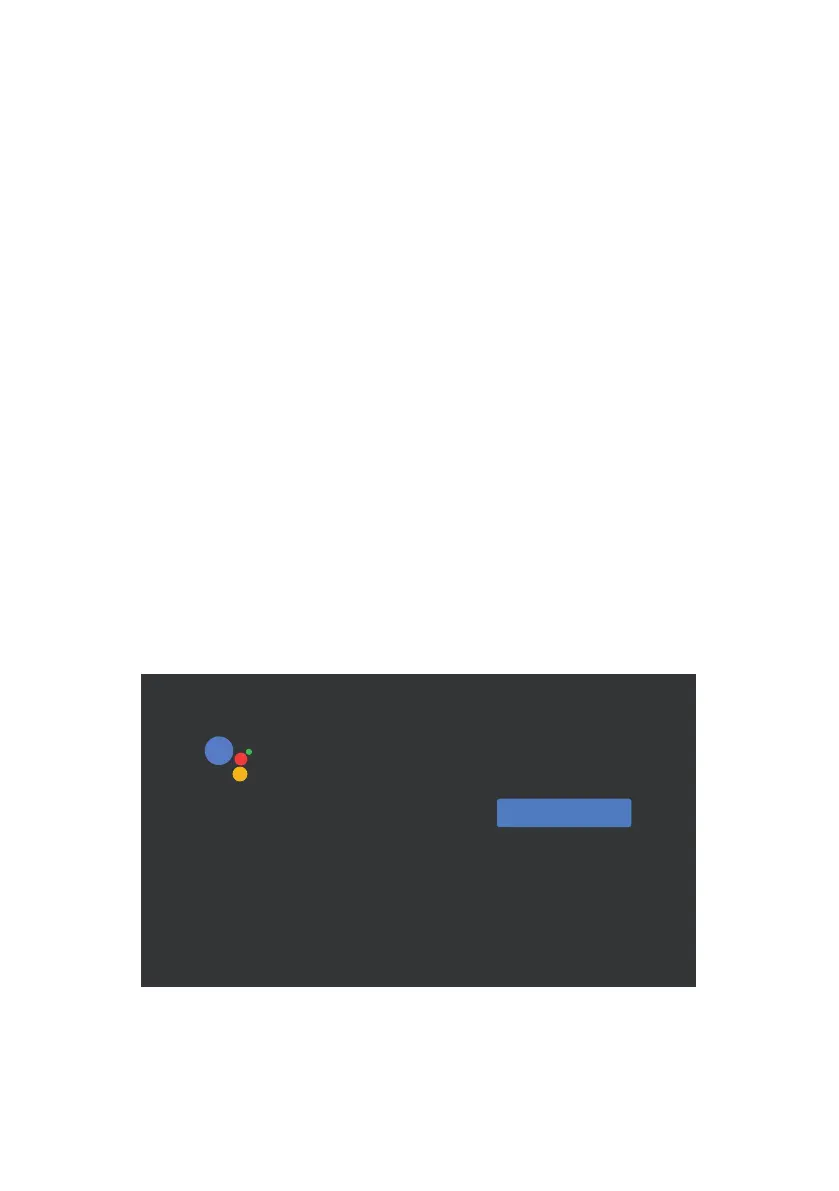
Step 8: Meet your Google Assistant
Turn on the Google Assistant function for the functionality to
work on your remote.
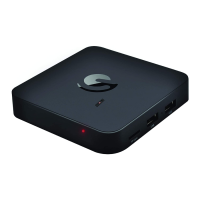
To pair, place the remote on Qairing Node by holding down on both the Wolume Eown and the Fnter Cutton
within 30 centimetrFs of the TV Box unitil it is discoverable
7REHDEOHWRXVH*RRJOH$VVLVWDQWRQ\RXUUHPRWH
SDLUWKHUHPRWHWR\RXU$QGURLG79%R[
30 centimetrFs
To pair, place the remote on Qairing Node by holding down on both the Wolume Eown and the Fnter Cutton
within 30 centimetrFs of the TV Box unitil it is discoverable
7REHDEOHWRXVH*RRJOH$VVLVWDQWRQ\RXUUHPRWH
SDLUWKHUHPRWHWR\RXU$QGURLG79%R[
30 centimetrFs
Continue
Meet your Google Assistant
Ask it questions. Tell it to do things. It’s always ready to help.
Use your voice to:
Find and play your favorite shows, fast
Control your TV, your content, and your home
Get answers about sports, the weather, and more


 To Next Page