Step 9: Name your Smart Android TV Box
Select from the options provided or enter a custom name to
easily identify your device when pairing to other devices.
Step 10: Get Started with Apps
Select apps you would like installed.
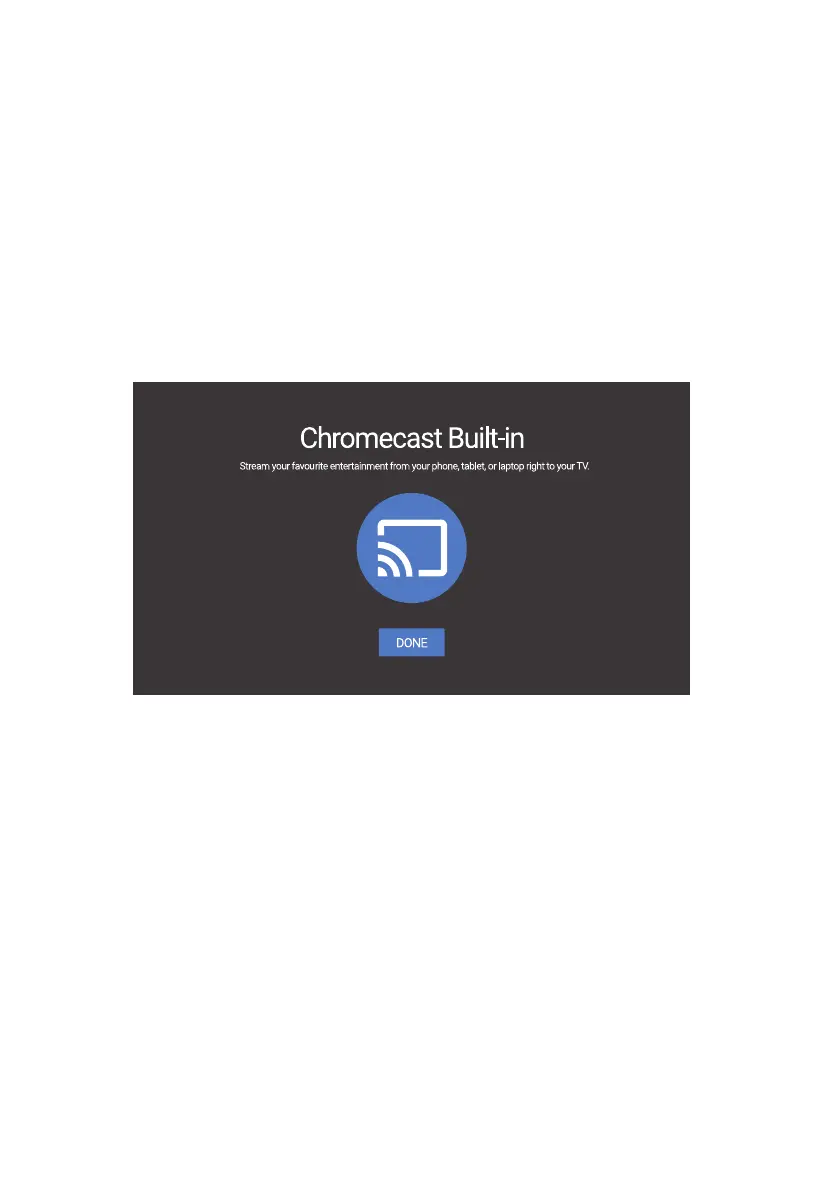
Step 11: Welcome to Android TV
A walkthrough of the features of your device.
Click on “DONE” after the walkthrough to start using your
device. You are now ready to begin.
(,³.1),%³..#(!-®³-&.³(³(&³#²#³#(³),,³.)³
)((.³.)³."³(.1),%°
6WHS:HOFRPHWR$QGURLG79
(,³.1),%³..#(!-®³-&.³(³(&³#²#³#(³),,³.)³
)((.³.)³."³(.1),%°
6WHS:HOFRPHWR$QGURLG79


 To Next Page