17 | Understanding Your FunTab
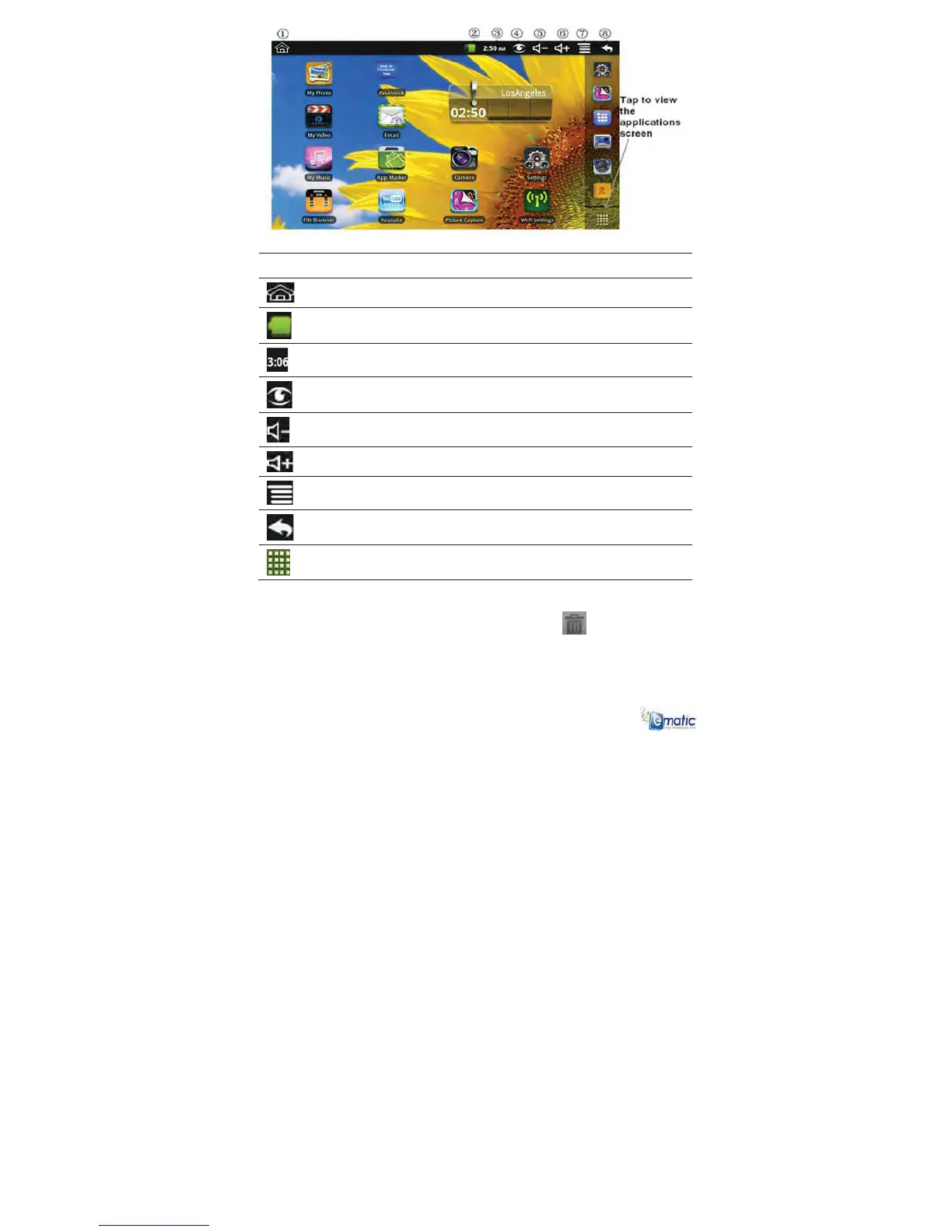
Icon Description
ķ Return to HOME from other apps
ĸ Battery charge status
Ĺ Current Time
ĺ Picture capture icon
Ļ Volume reduction icon
ļ Volume increase icon
Ľ FunctionMenu icon
ľ Back icon
Tap to view the All Application screen
x Tap on any application icon to launch it.
x Finger slide icons to reposition them on the screen.
x Finger slide icons onto the recycle bin icon
to remove them
from the HOME screen.



 To Next Page