25 | Applications
WebBrowser
A browser connects the device to the Internet.
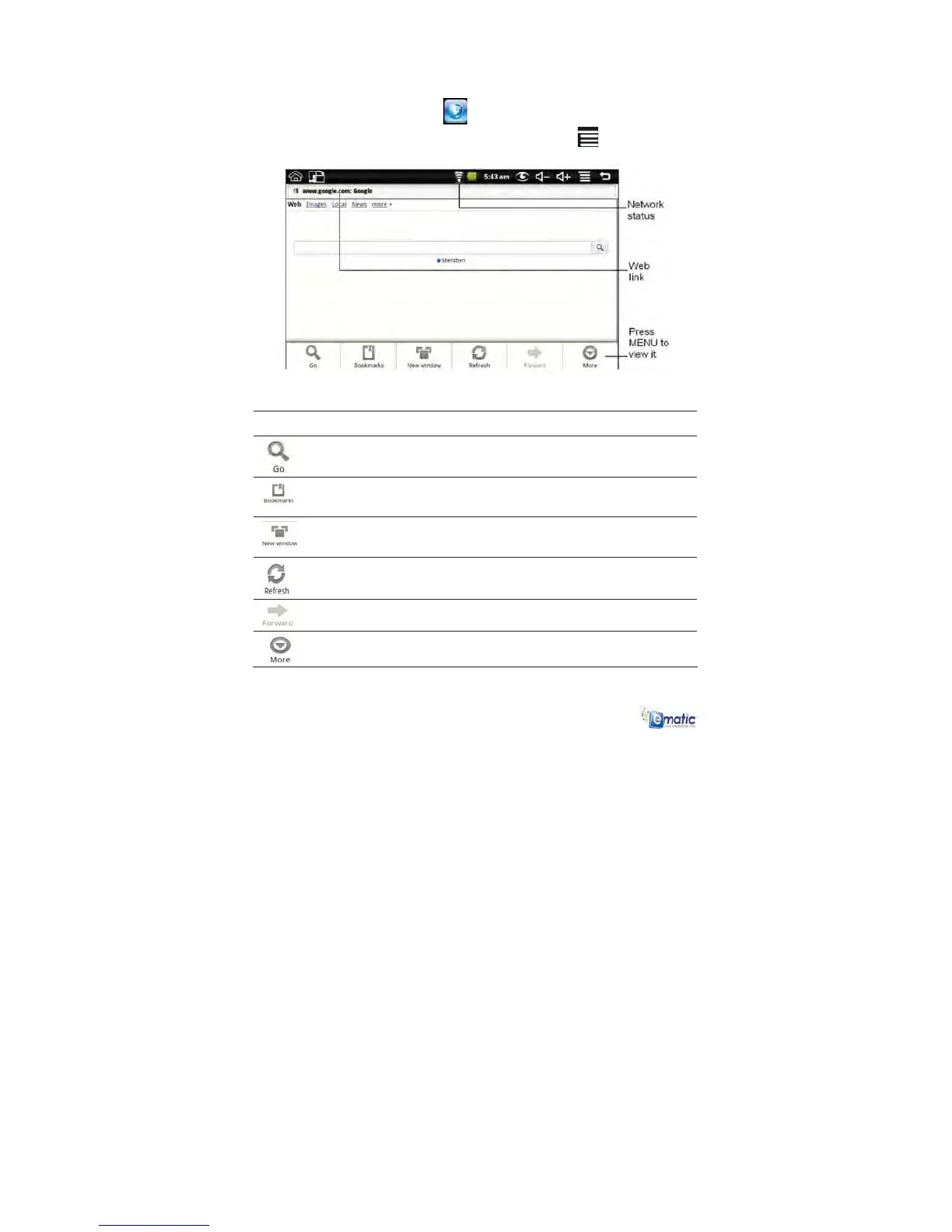
To display the Browser Function Menu:
1 Tap the Browser icon
to open the Web browser.
2 Press the menu button or tap the INDEX icon
.
Function Description
Touch to go to the selected web page.
Touch to show bookmarks or to add the current
web page to the bookmark list.
Touch to open a new window.
Touch to refresh the current page.
Touch to view the next page.
Touch to view additional web functions.



 To Next Page