31 | Applications
To delete files:
1 Tap the File Browser icon
.
2 Tap and hold on the folder/file you want to delete.
3 Tap Delete.
4 Tap OK to confirm the deletion.
MyMusic
NOTE: The device supports MP2, MP3, WAV, AAC, and WMA file
formats.
To play music:
1 Tap the My Music icon
.
2 Select an audio file from All/Albums/Artists/Directories/My
Favorites/User Defined Playlists.
3 Tap the Pause icon
to stop the music.
4 To leave the music playing and return to previous screens, tap
the BACK icon
or the HOME icon to return to the HOME
screen.
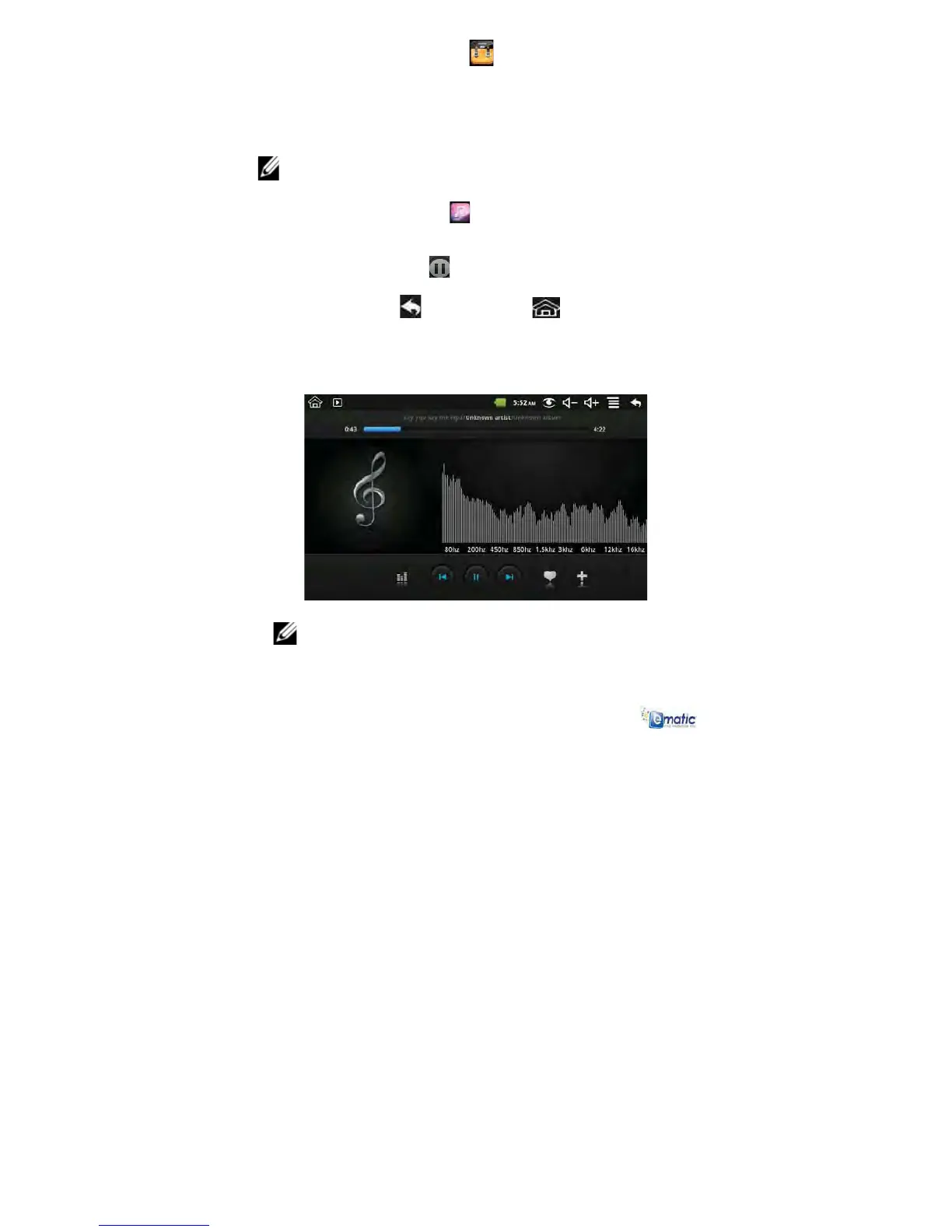
5 Tap the photo on the left corner to access the Music Player
interface. It appears as follows:
NOTE: At this interface, you can view the lyrics, play/pause,
switch to the previous/next, add to favorites, loop, random
operation, etc.
To add a playlist:



 To Next Page