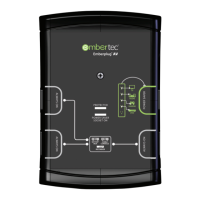
Your Embertec Emberstrip® 8AV+
is equipped with a unique MusicMode™
feature. This feature enables you to override the Active Powerdown®
for a period of 8 hours. This feature is great for playing music, parties,
video nights or any time you want to keep your appliances on for an
extended period of time.
The Embertec Emberstrip® 8AV+ will revert to its previous setting
of 1 or 2 hours after the 8 hour period elapses, or you switch your
appliances off.
These settings can easily be changed by using the emberconnect™ app.
Remember
1. In this mode your system will stay on for 8 hours, unless you switch
your appliances off.
2. Your permanent Active Powerdown® timer setting will revert to
1 or 2 hours once you have switched your appliances off, or after
8 hours, whichever comes first.
NOTE: Make sure your AV System is on before you start changing settings!
Ensure your Audio Visual (AV) equipment is switched on.
To set the Active Powerdown timer to MusicMode™ (8 hours), simply
press the MUSIC button on top of the sensor. The M LED will light
up to show that MusicMode™ is currently selected.
MusicMode™ settings
12


 To Next Page