You can control your Bluetooth® Smart Sensor by downloading the
emberconnect™ app.
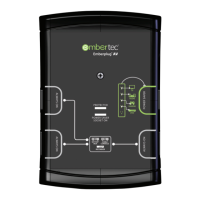
To enable the emberconnect™ app to communicate with the Bluetooth®
Smart Sensor your mobile device must first pair with the Bluetooth®
Smart Sensor.
With the emberconnect™ app installed, please follow the steps below:
1. Select the emberconnect™ app on your mobile device.
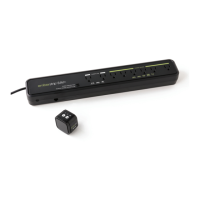
2. Ensure the Bluetooth® Smart Sensor is properly connected to the
Emberstrip® 8AV+ unit.
3. Plug in the Emberstrip® 8AV+ and wait approximately 3 seconds
for it to be ready.
4. Press and HOLD the MUSIC button on top of the sensor for
3 seconds. The LED on the front of the sensor will start flashing
quickly for 1 minute.
5. The Bluetooth® Smart Sensor is now ready to pair with your
mobile device.
6. In the emberconnect™ app, press the + button to start the
pairing process.
7. A dialog box will appear after a few seconds, you should now type
the pairing code: 000000 (6 zeros) in and press OK.
8. Follow the remaining on screen prompts to complete setting up
your Bluetooth® Smart Sensor.
9. Additional information is available on the Embertec product FAQ
section of our website: http://embertec.com/faq
Connecting your mobile device
10


 To Next Page