We recommend connecting any home theater media center computers,
or appliances containing a hard drive into the Always On socket. We
recommend connecting home theater projection equipment which
require a cool down period to the Always On socket. This will prevent
damage to, and extend the life of your home theater projection lamps.
Embertec Emberstrip® 8AV+ has 2 power saving functions
1. Standby Powerdown automatically detects and saves power
wasted when equipment is left in standby mode, by switching the
power off to the equipment.
2. Active Powerdown® automatically switches the power off to Audio
Visual (AV) equipment connected to the Power Saving socket
after 1 hour, if it has not detected any remote control use.
NOTE: The Embertec Emberstrip® 8AV+ is programmable and
has an Active Powerdown® default setting of 1 hour, which can be
permanently set to 2 hours, or temporarily 8 hours (MusicMode™).
When will Active Powerdown® switch the Audio Visual (AV)
equipment off?
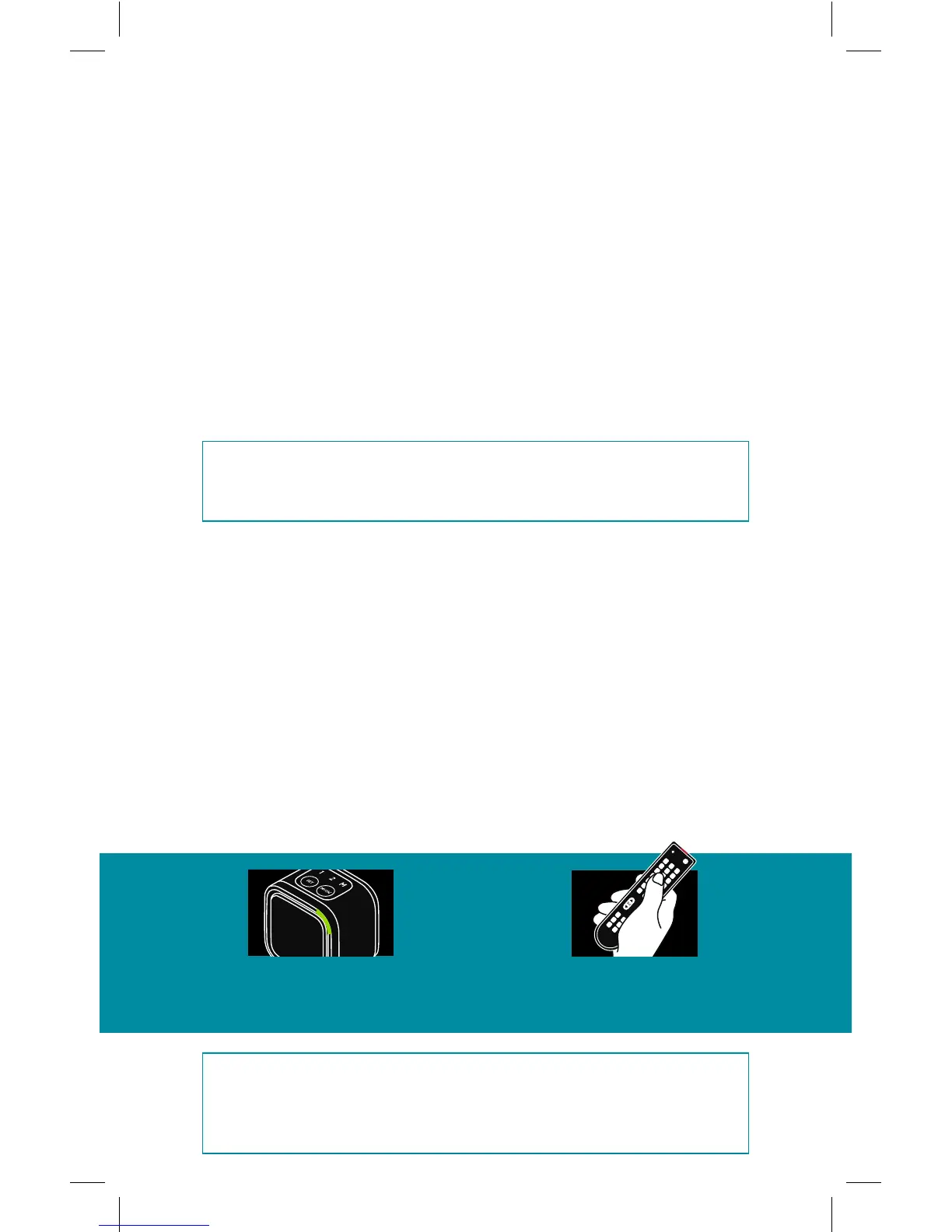
• If your Embertec Emberstrip® 8AV+ detects that your Audio Visual (AV)
equipment is on but has not been used for a period of 1, 2 or 8 hours
(depending on your settings), the LED light on the Bluetooth® Smart
Sensor will flash for approximately 10 minutes to warn you that
power down is imminent.
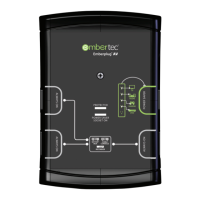
To continue using your equipment
• Simply press the volume button on ANY of your existing remote controls
or press any button on the Bluetooth™ Smart Sensor. This will cancel
the Active Powerdown® and reset the timer.
NOTE: A flashing LED always means that your system will shut
down completely in a while. Press any remote control button
to stop the light flashing and continue using your system.
Alternatively this can be controlled using the emberconnect™ app.
A flashing light means
the system is getting
ready to shut down.
TO CONTINUE
USING YOUR
EQUIPMENT
Press the volume
button on your
remote control.
9


 To Next Page