Embrace™ Nest Operation Manual (0602-50001-002) Page 12
WARNING
It is important to only use the Embrace AccuTemp™ Heater to warm the WarmPak™ in order to
avoid over-heating of the WarmPak™. Do not use any other method to heat up the WarmPak™.
AccuTemp™ Heater user interface
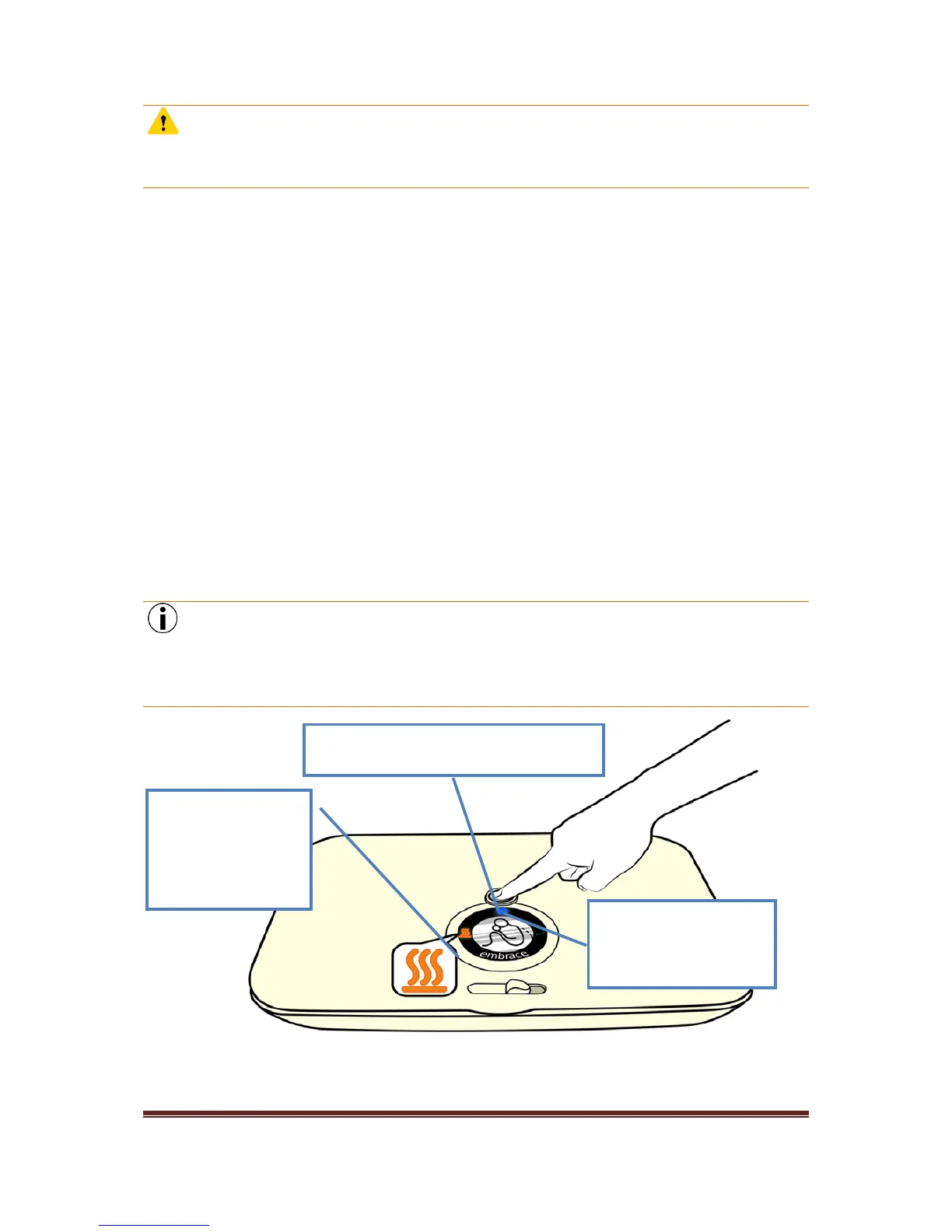
The Start/Stop button should be pushed to initiate the heating cycle, when the user wants to heat
up the WarmPak™. The same button can be used to interrupt the heating cycle.
The progress of the heating cycle is monitored using the two indicators on the lid that indicate when
the heating cycle is in progress and when the WarmPak™ is ready. The amber “HEATING CYCLE ON”
indicator will light up when the heating process is on.
The clear viewing window allows the user to perform a quick visual check on the progress of heating.
Once ready, the AccuTemp™ Heater will beep two times – once when ready, and once a minute after
being ready. The green “WARMPAK™ READY” indicator will remain illuminated.
The AccuTemp™ Heater will provide heat to maintain the WarmPak™ at the operating temperature,
as long as the AccuTemp™ Heater remains switched on and the green “Ready” indicator is still
illuminated.
In case of a power outage, the AccuTemp™ Heater automatically resumes its heating cycle when the
power returns.
NOTE
Pressing the Start/Stop button or opening the lid will turn off the AccuTemp™ Heater cycle and the
cycle must be re-initiated (by pressing the button again) in order to maintain the WarmPak™
temperature. Refer to the figure below.
Start/Stop Button - Push this button to start or
stop the heating cycle.



 To Next Page