Blood Glucose Monitoring System
12
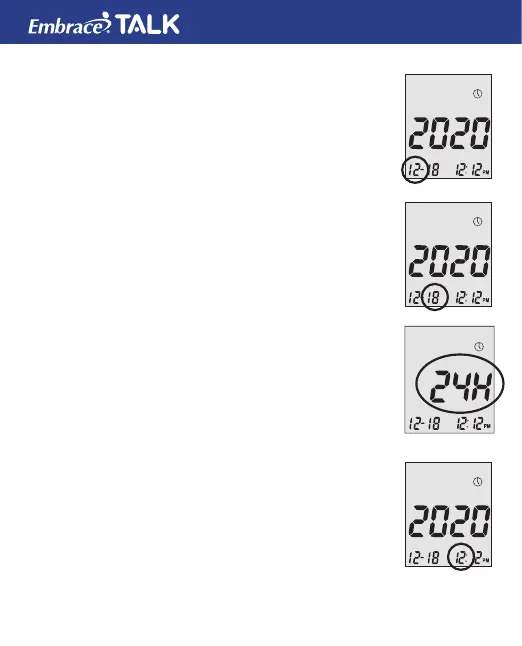
Step 4: Set Month:
The current month will ash. If the talking feature is
on, the monitor will say, “Set Month.” Press the up or
down button to reach the desired month. Once the
desired month is reach press and release the middle
button.
Step 5: Set Day:
The current date will ash. If the talking feature is on
the monitor will say “Set Day”. Press and release the
up or down button to reach the desired day. When the
desired day is reached press and release the middle
button.
Step 6: Set Time Format to 12-hours or 24-hours:
The current time format will ash. If the talking feature
is on, the monitor will say “Set 12 hour/Set 24-hour.
When the desired format is reached press and release
the middle button.(12 hour is standard time/24 hour is
military time).
Step 7: Set Hour:
The current hour will ash. If the talking feature is
on, the monitor will say, “Set Hour.” Press the up or
bottom button to reach the correct hour.
(AM or PM will be determine by the HOUR)
By pressing & releasing the up or down buttons and



 To Next Page