2.3.2 Main navigation
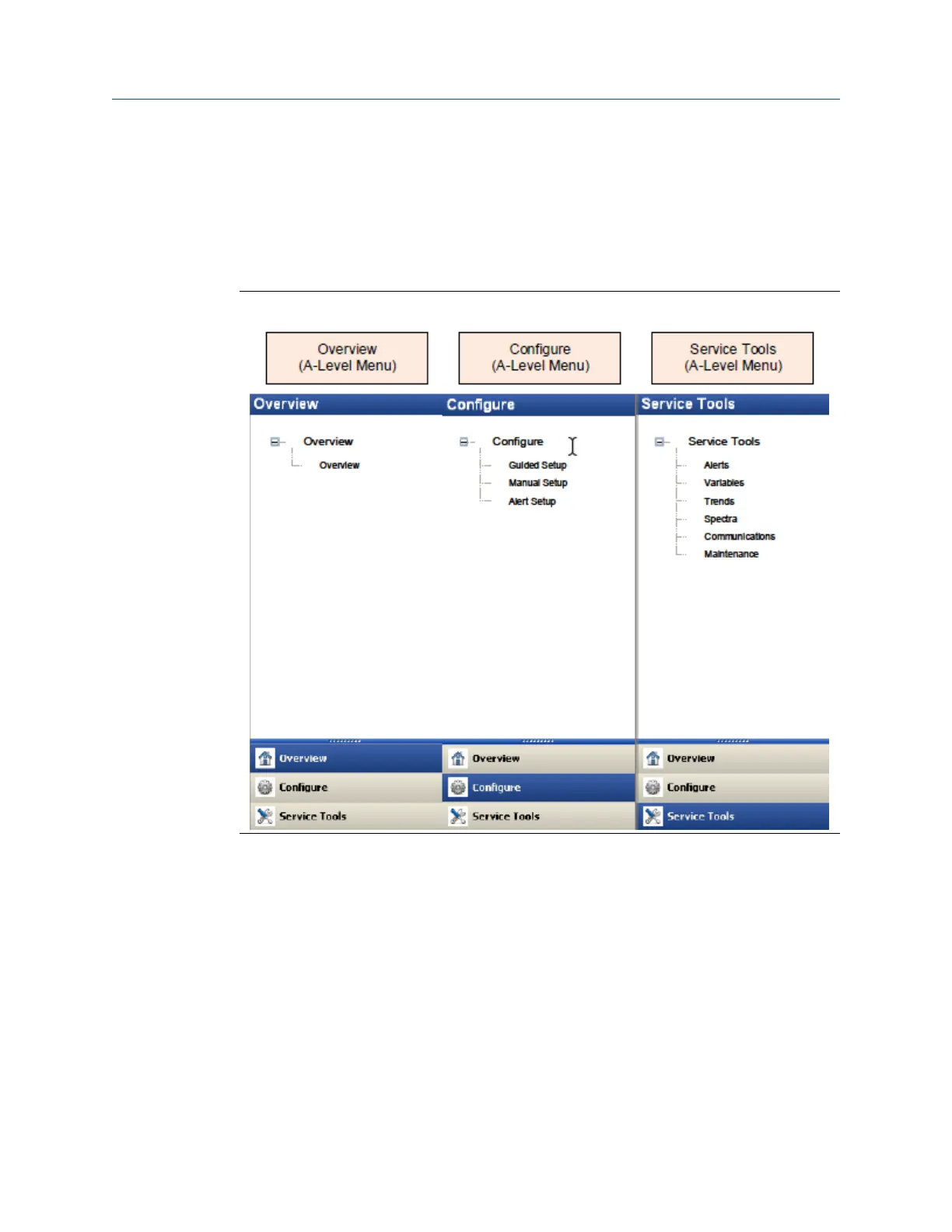
The main navigation page provides quick links to the Overview, Configure, and Service
Tools menus, as well as to other context menus available for the device.
In the Device Explorer view, select the wireless network where the transmitter is
connected and right-click the transmitter to display the context menus.
Figure 2-1: AMS Wireless Vibration Monitor Main Navigation
User Guide Configuration
MHM-97927-PBF July 2020
MHM-97927-PBF, DRAFT 25














 To Next Page