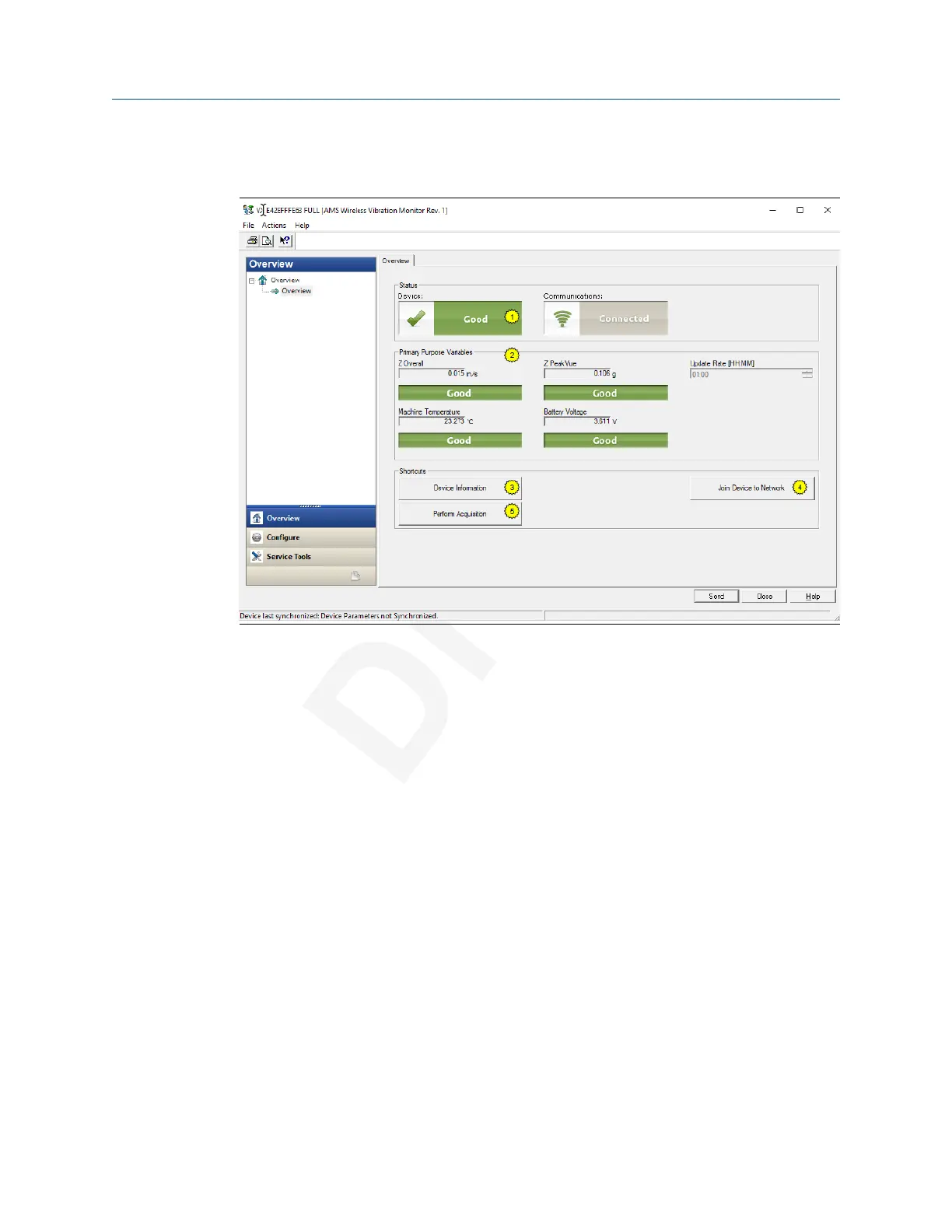
2.3.3 Overview menu
The Overview menu provides a glimpse of the status of the AMS Wireless Vibration
Monitor, including the status of the connection to the wireless network, and a summary of
the primary variables, machine temprerature, battery voltage, and update rate.
You can also access the following shortcuts from this page:
• Device Information
• Perform Acquisition
• Join Device to Network
Device Information
This window shows relevant device information such as the serial number, device
identifier, and revision numbers.
Configuration User Guide
July 2020 MHM-97927-PBF
26 MHM-97927-PBF, DRAFT














 To Next Page