Wake To Radio and Alarm Volume Setting
Press POWER button to turn the unit ON.
Press SOURCE button to select FM Radio mode.
Tune to or recall from Memory the station that you wish to hear when the alarm comes ON.
Press Vol+ or Vol- to set the maximum radio volume at which the alarm will reach gradually at
wake up time.
Default alarm volume is U08 for radio volume set up between UOO-U08(before the unit turned
OFF to standby mode). For a louder alarm , set up radio volume above U08 before the unit turned
OFF.
Snooze Alarm
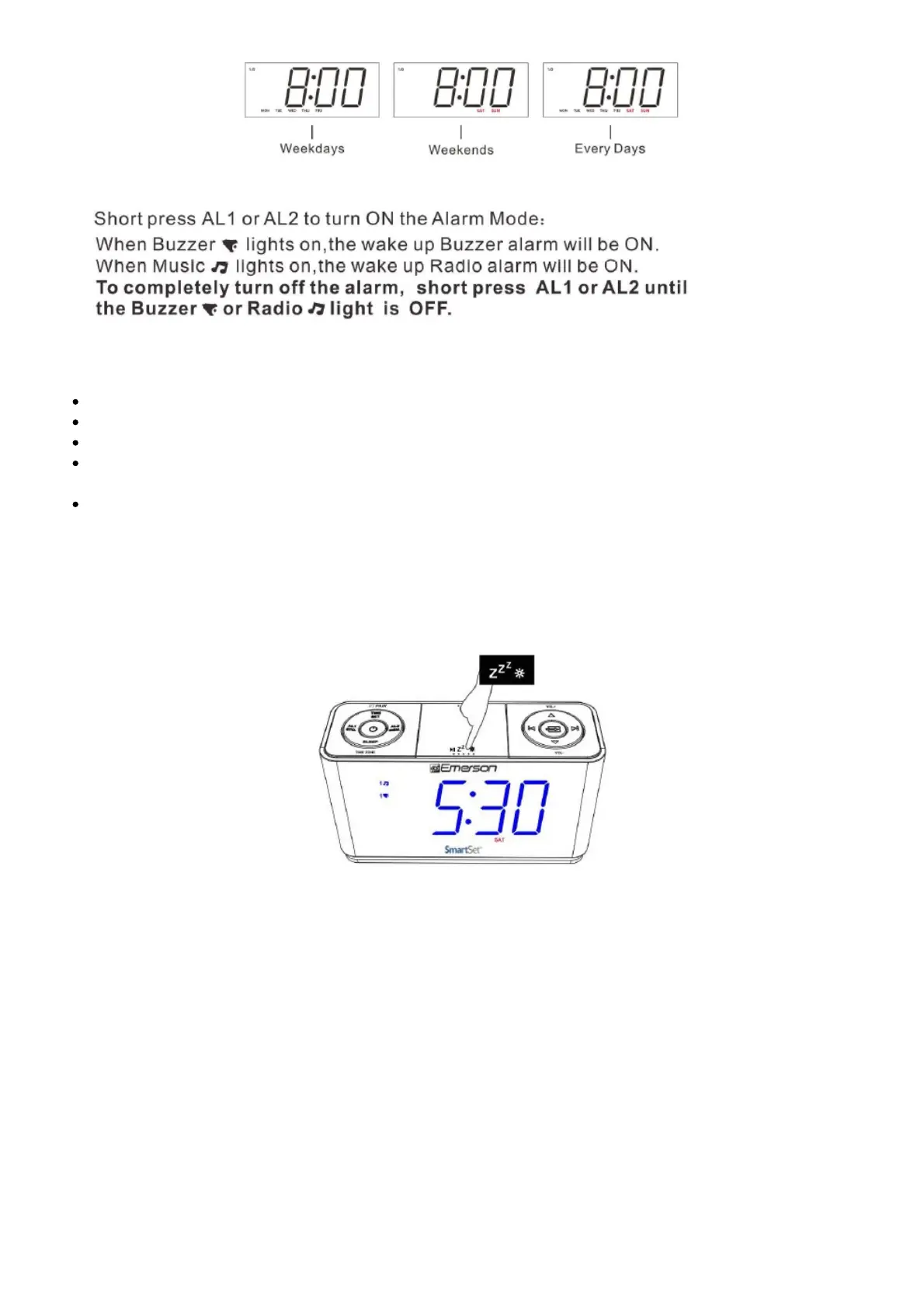
When the Alarm comes ON , press SNOOZE button z22, to pause it for 9 minutes .Snooze Alarm will
not repeat after one hour. To turn off Snooze Alarm \ mode ,press the POWER button once.
11. Listening to FM Radio



 To Next Page