SET -UP
11
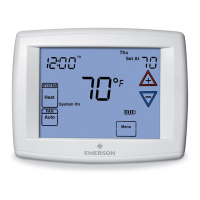
KeypadBacklight – When selected
On, the light on the keypad will be on
to give the keypad better visibility. If
selected Off, the keypad light will turn
on for a short time when a button is
pressed and then turn off again.
Auto Dimmer – When selected On,
the display will change to a darker
background during the hours of 10:00
PM to 5:00 AM when no buttons are
pressed. If selected Off, the display
will remain at the same brightness.
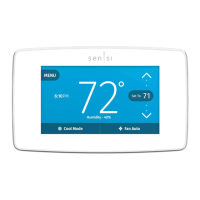
Theme– Choose from alternate
background schemes.


 To Next Page
 Loading...