Document Part # 026-4176 Rev 1 Page 2 of 16
©2022 Emerson Digital Cold Chain, Inc. This document may be photocopied for personal use.
Visit our website at www.climate.emerson.com for the latest technical documentation and updates.
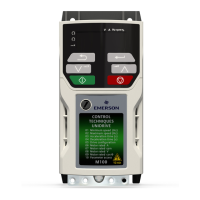
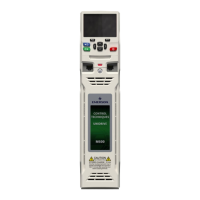
STEP 1: Configuring M400 VFD Drive
Note: Do not connect the device communications to E2 controller.
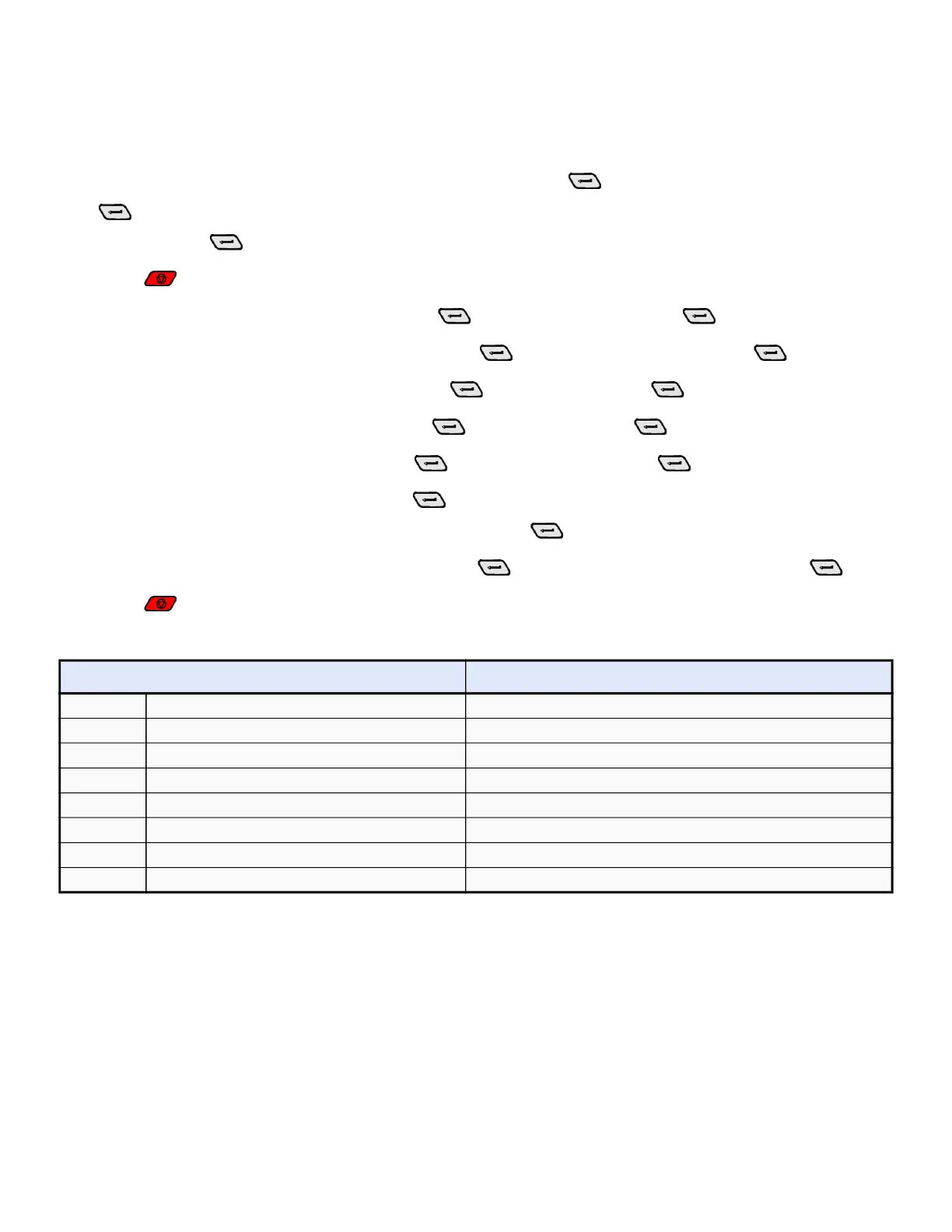
1. Press right/ left arrow key and go to Pr MM.000 then press . Select Reset 60Hz defs then press
.
Note: Pressing allows you to enter and exit parameter edit mode.
2. Press to return the drive into the No Action display.
3. Go to Pr 00.005 (Drive Config), then press . Select Preset, then press .
4. Set Pr 00.010 (User Security Status), then press . Select All Menus, then press .
5. Set Pr 06.004 (Start/Stop Logic), then press . Select 6, then press .
6. Set Pr 11.023 (Serial Address), then press . Select 2, then press .
7. Set Pr 11.024 (Serial Mode), then press . Select 8 1 NP, then press .
8. Set Pr 11.020 (Serial Reset), then press . Select On to reset communications.
Note: The device will flash to On and returns to Off, press .
9. Set Pr 12.000 (Parameter mm.000), then press . Select Save Parameters, then press .
10.Press to return the drive into the No Action display.
Note: The drive is now ready to communicate with the Supervisory controller and is ready for a test/run.
Model Max # of Instances
1 SR 20
2 CXe 16
3 CX 16
4 BXe 16
5 BX 16
6 RXe 16
7 RX 16
8 SMF No






 To Next Page