3 Set switches
3.1 Set switches on the Rosemount
™
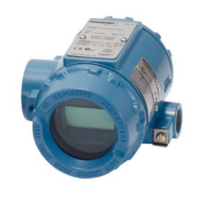
644H without LCD
display
The switch is located on the bottom right of the electronics module.
Procedure
1. Set the loop to manual (if applicable) and disconnect the power.
2. Remove the electronics housing cover.
3. Set the switch to the desired position.
4. Replace the electronics housing cover.
5. Apply power and set the loop to automatic control.
3.2 Set switches on the Rosemount
™
644H withLCD display
The switch is located on the bottom right of the electronics module.
Procedure
1. Set the loop to manual (if applicable) and disconnect the power.
2. Remove the electronics housing cover.
3. Snap-off the LCD display straight off.
4. Set the switch to the desired position.
5. Reattach the LCD display and replace the electronics housing cover.
Rotate the LCD display in 90° increments.
6. Apply power and set the loop to automatic control.
3.3
Set switches on the Rosemount
™
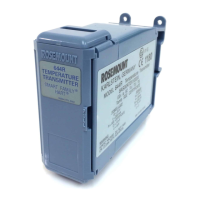
644R
The switch is located on the middle of the front panel.
Procedure
1. Open the transmitter's front door.
2. Set the switch to the desired position.
Quick Start Guide April 2019
12 Rosemount 644H and 644R



 To Next Page
 Loading...