Sensi smart thermostat | HUMIDITY GUIDE 5
HUMIDIFICATION CONTROL AT THE THERMOSTAT
Ensure HVAC settings are single stage
To set up a wired humidifier accessory on this model, you will need to ensure that you have configured the HVAC
settings for single stage first. (Single stage cooling to use a humidifier or single stage heating to use a dehumidifier.)
If you have the thermostat configured for multi-stage, the humidity control options won't be in the menu.
Setting up wired humidification
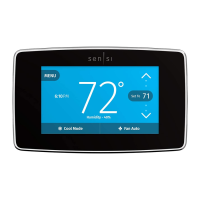
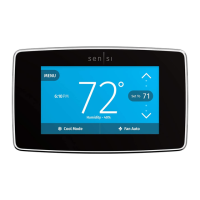
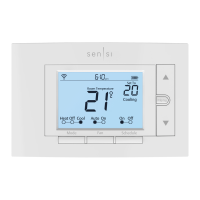
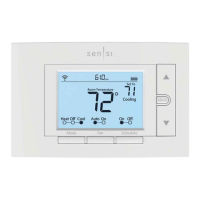
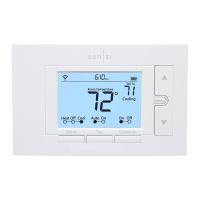
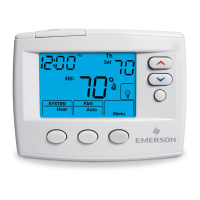
With the thermostat showing the room
temperature, press Menu.
Press Next 7 times.
Use the Up Arrow button to toggle Humidity On.
Press Next.
Use the Up Arrow button to change the set percentage
(SP) to your desired percentage to maintain.
Press Exit.
Setting up wired dehumidification
With the thermostat showing the room
temperature, press Menu.
Press Next 8 times. - This may be different depending on
what other settings you have. Look for the "dH AA" menu.
Use the Up Arrow button to toggle Dehumidity "On."
Press Next.
Use the Up Arrow button to change the set percentage
(SP) to your desired percentage to maintain.
Press Exit.



 To Next Page
 Loading...