Keys and Functions Front Panel • 9
8 Front Panel
8.1. Keys and Functions
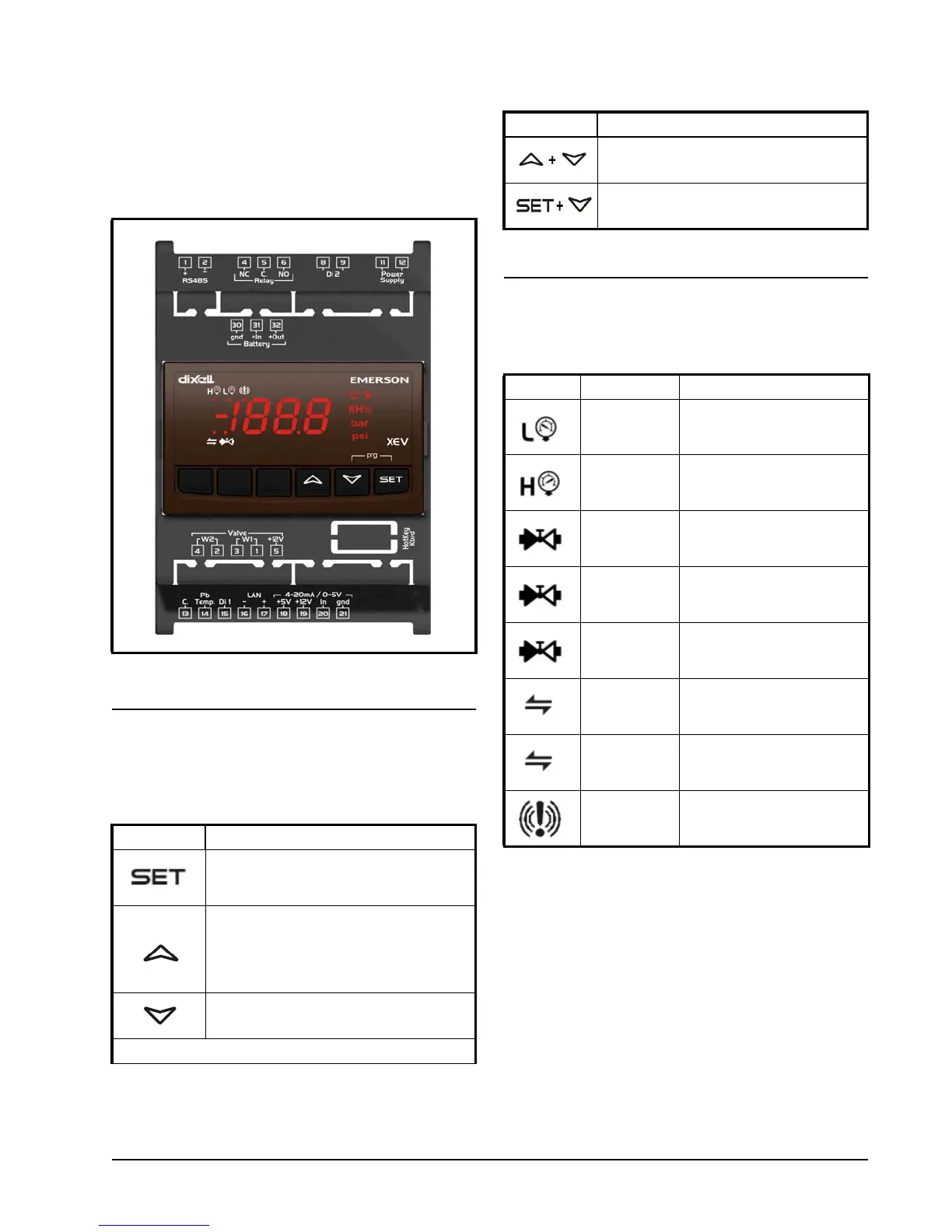
Table 8-1 shows the keys found on the front panel
of the XEV22D and their corresponding functions:
8.2. XEV22D LEDS
Each LED function is described in Table 8-2:
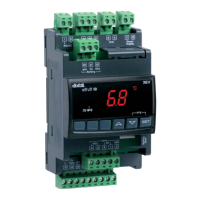
Figure 8-1 - XEV22D Front Panel
Key Function
To display and to modify the set point. In
programming mode, it selects a parame-
ter or confirms a value.
By pressing and releasing this key, it is
possible to see the values of the probes.
In programming mode, it slides the codes
of the parameters or increases their val-
ues.
In programming mode, it slides the codes
of parameters or decreases their values.
Key Combinations
Table 8-1- XEV22D Front Panel Keys and Functions
To lock and unlock the keyboard.
To enter programming mode.
LED Mode Function
ON Low pressure alarm
ON
Maximum operating pres-
sure alarm
OFF Valve is completely closed
BLINKING Valve is moving
ON Valve is completely opened
BLINKING
Serial communication
present
OFF
Serial communication
absent
ON Superheat alarm
Table 8-2 - XEV22D LEDs
Key Function
Table 8-1- XEV22D Front Panel Keys and Functions


 To Next Page