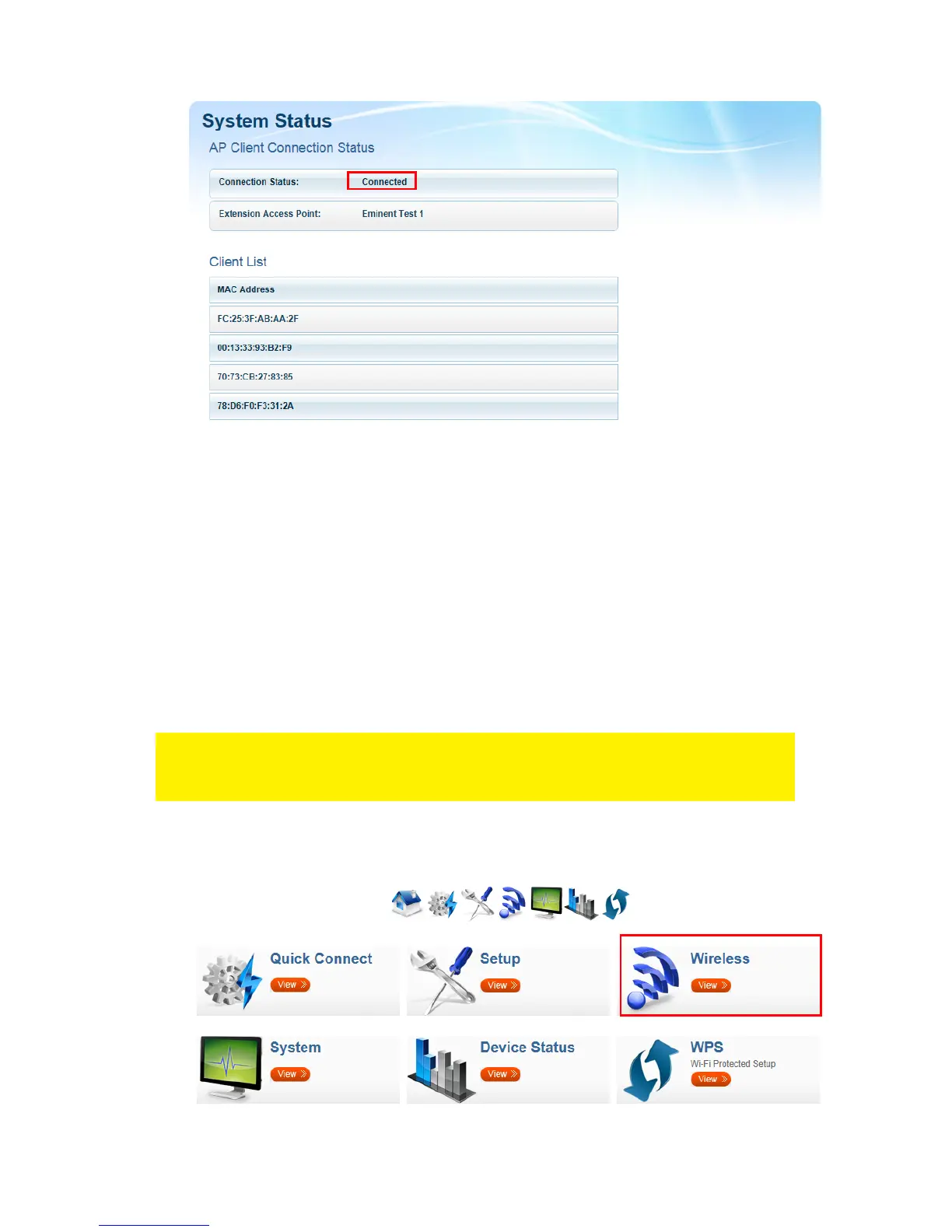
15. You can now connect your wireless network adapter(s) to the EM4591 as
described in chapter ‘Connecting a wireless WPS adapter to the EM4591’, or by
connecting to the Wi-Fi connection and entering the wireless encryption key of the
wireless network you previously connected.
6.0 Changing the wireless network name
(SSID) of the repeater.
If you wish to use a different WiFi network name SSID for the EM4591 repeater. You
can change this by entering the User Interface of the EM4591.
Note: Make sure you are connected to the Repeater and not to your wireless
Router/Modem. Keep your device close to the repeater (approx. 1m). Turn of your
WiFi and turn it back on again.
1. Open your devices browser and type http://10.0.10.254 in the address bar.
2. Click Wireless.



 To Next Page